Plans & billing
The right plan for your family.
Binder has three plans designed to grow with your homeschool. Start free and upgrade whenever you're ready. Manage your subscription from Account → Billing.
Account screenshots
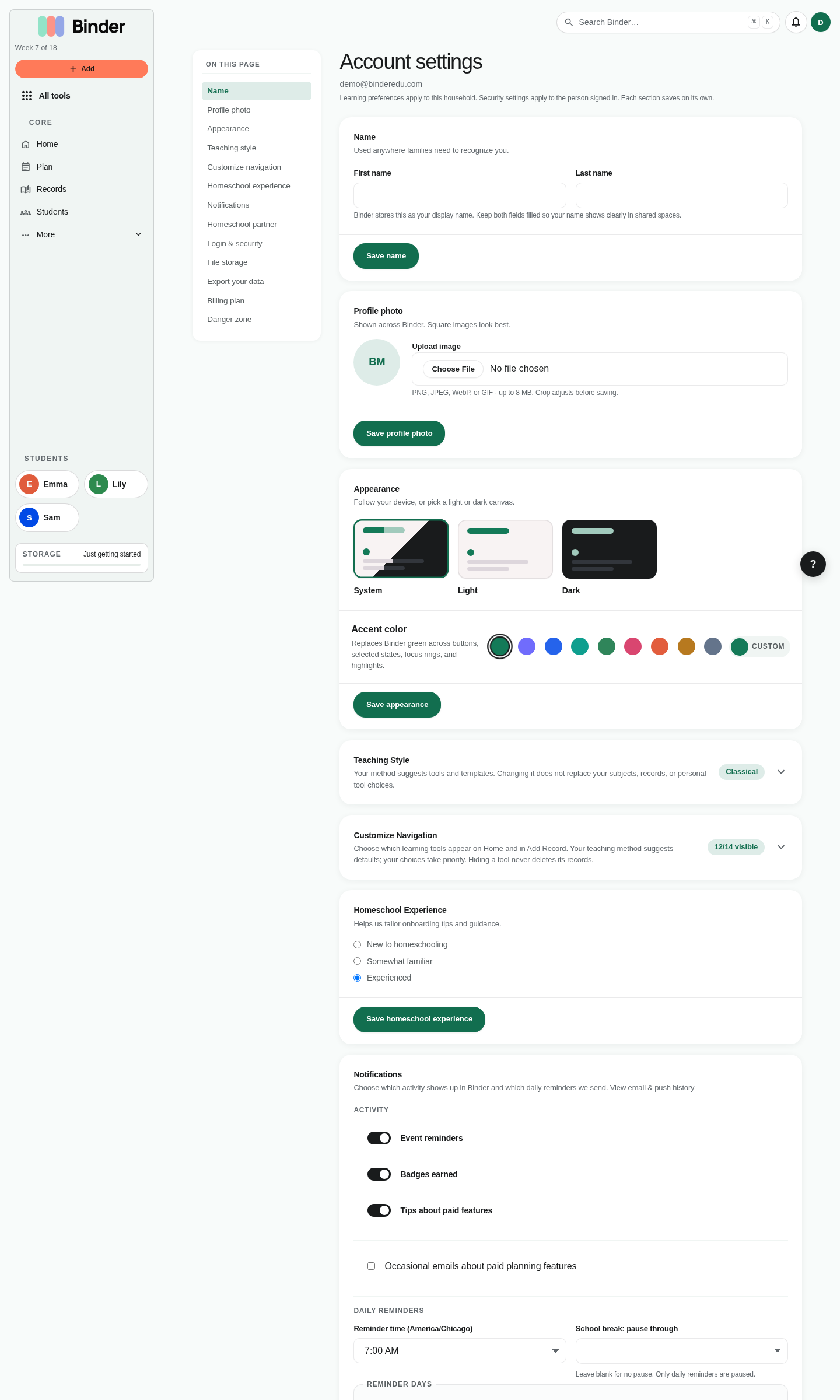
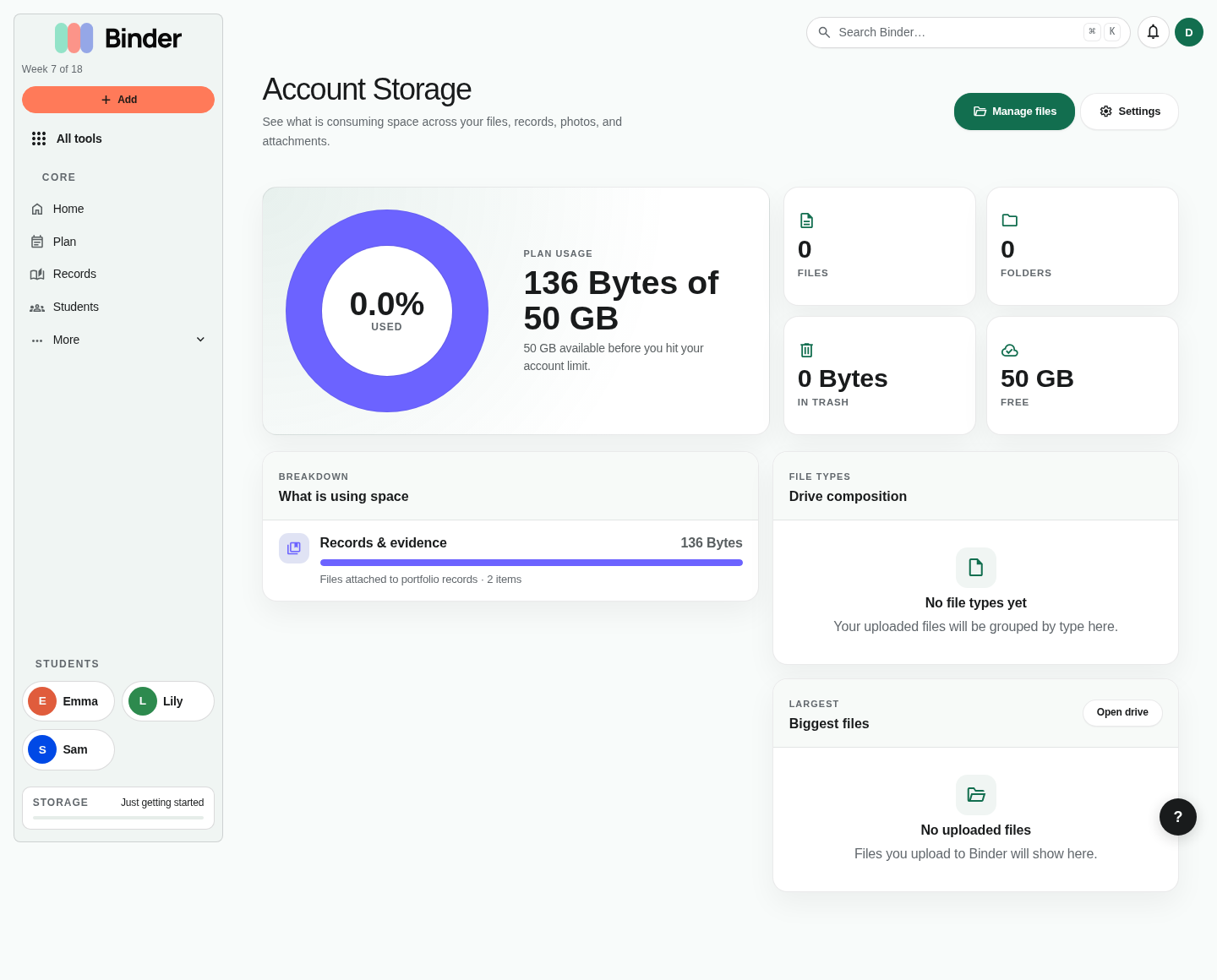
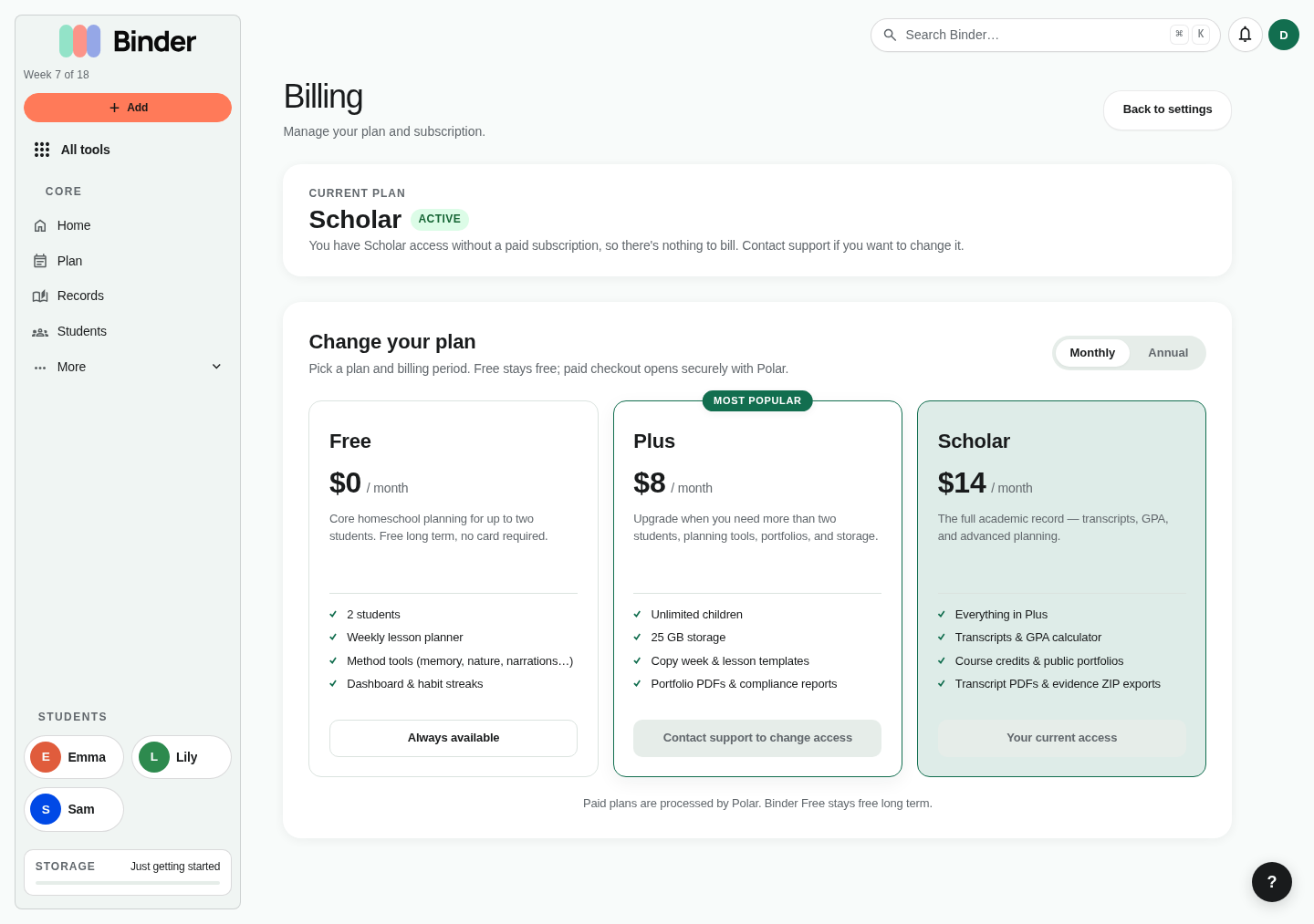
Account pages manage settings, preferences, storage, partnerships, data export, and billing.
Plan comparison
🪴 Free
- 2 children
- 1 GB file storage
- All daily tools (narrations, habits, memory work, read-alouds, nature journal, field trips, copywork, cultural study, Log learning with reading & narration, book list, outside time)
- Week planner, lesson templates
- Attendance and compliance tracking
- Portfolio feed, rich-text records, docs
- Custom trackers and sheets
🌿 Plus
- Unlimited children
- 25 GB file storage
- Everything in Free
- Save next week's plan from selected lessons (the preview itself is free)
- Compliance PDF report export
- Full portfolio PDFs with notes, learning days, attendance and selected work samples
- Account partnership (a second sign-in for a co-parent) and curated learning highlights
🌳 Scholar
- Unlimited children
- 50 GB file storage
- Everything in Plus
- High school transcript creation and PDF export
- Bulk artifact ZIP export
All plans include
- Unlimited lesson history and records
- Mobile-responsive web app
- iOS app access
- Version history for all files
- Streaks and achievement badges
- Referral program access
- Full data export
Free plan
Every new Binder account starts on the Free plan. No credit card is required, and Free stays free long term.
You can use Free for up to two students with 1 GB of file storage, core planning, logging, and records. Upgrade to Plus or Scholar any time from Account → Billing when you need unlimited students, more storage, automation, official exports, or transcripts.
Upgrading your plan
Go to Account → Billing and click Upgrade. Binder uses Polar for payment processing. Select your plan (Plus or Scholar), choose monthly or annual billing, and complete checkout. The upgrade takes effect immediately — you'll see the new features unlocked before leaving the billing page.
Annual billing costs less than monthly and locks in the current pricing for 12 months. If you're planning to use Binder consistently throughout the school year, annual is almost always the better value.
Downgrading and cancellation
If you cancel your subscription or let it lapse, you keep paid access until the end of the current billing period. After that, Binder moves your account to the always-free Free plan.
Your existing data is preserved. If your account is above Free limits — for example, more than two students or more than 1 GB of files — you can still view what you already created, but Binder may ask you to upgrade before adding more students, files, or paid-plan-only records.
To cancel, go to Account → Billing → Cancel Subscription. Binder will ask you to confirm. Cancellation is effective at the end of your current billing period.
Account partnership
Account partnerships allow two Binder accounts to share access to the same homeschool data — ideal for co-parents, spouses, or any two adults who both manage the same children's education. Partnerships are available on Plus and Scholar. There is one partnership allowed per account.
Inviting a partner
Go to Account → Settings → Partnership and enter your co-parent's email address. Binder sends them an invitation email. The invitation stays valid for 14 days while the partnership is pending.
Accepting an invitation
The invited co-parent clicks the link in the invitation email. Binder verifies that the email address matches their Binder account (or prompts them to create one). After accepting, they see all your homeschool data — children, lessons, records, narrations, files — as if it were their own account.
What partners can do
A partner has the same read and write access as the primary account holder. They can add lessons, log narrations, mark habits complete, write journal entries, and manage files. They use their own Binder login and have their own notification settings and preferences.
Revoking a partnership
Either party can revoke the partnership from Account → Settings → Partnership. After revocation, the partner's account returns to showing only their own data. Revocation is immediate. No data is deleted from either account.
Data export
You own your homeschool data. Binder lets you export a complete copy of everything in your account at any time — including while on Free, during a paid subscription, and after cancellation.
Go to Account → Data Export. Choose which sections to include (or select all), then click Request Export. Binder queues the export and builds it in the background. When it's ready — usually within a few minutes — you'll receive an email with a download link. The exported ZIP contains CSV files for structured data and folder-organized files for your uploads.
Export requests are rate-limited to once per hour to prevent abuse. If you need to export frequently (e.g. building a backup routine), wait at least an hour between requests.
Referral program
Every Binder account has a unique referral code available at Account → Invite another family. Share this link. When someone signs up through it, they are connected to you as a referral.
To invite someone: share your referral link (formatted as https://app.binder.school/ref/YOURCODE) via text, email, or social media. Links at binder.school/ref/YOURCODE also redirect to the app. The Invite page shows Friends Joined — how many families have signed up through your link. Binder does not grant referral credit or discounts automatically.
Streaks & badges
Binder tracks streaks and awards badges to recognize consistent use and homeschool milestones. These are entirely optional — they're there to celebrate the work you're already doing, not to create pressure.
Streaks
Binder tracks consecutive day streaks for five activities: any activity, lessons completed, habits logged, memory work reviewed, and day note entries. Your current streak and your all-time longest streak are both tracked — so even if a streak breaks, the record stands.
Badges
Badges are awarded for first-time milestones (your first completed lesson, your first narration), count milestones (10, 50, 100, 500 lessons), streak lengths (3, 7, 14, 30, 100, 365 days), and special conditions (completing all subjects in a day, logging outdoor time every day of a week). Badges come in five tiers: bronze, silver, gold, platinum, and legendary.
View your full badge collection and streak history at Account → Achievements. Badges are grouped by category: Starter, Milestone, Streak, and Special.