These screenshots were captured from the production demo account and show how Binder is organized across planning, daily homeschool tools, records, file management, and account settings.
Each screenshot includes what the page is for, how a parent uses it, and the setup behind the feature. Use this as documentation source material for help center articles, sales demos, onboarding, and support replies.
Use
Describes the normal parent workflow: where to click, what to review, and what the page helps them decide.
Setup
Explains what needs to exist first, such as children, subjects, uploaded files, or a Scholar subscription.
Demo notes
The images use the C.S. Lewis demo household, including Peter, Susan, Edmund, Lucy, and the Cair Paravel demo data set.
Planning and lessons
Binder starts with the weekly rhythm: review the dashboard, organize subjects, plan lessons, and keep each student's work visible.
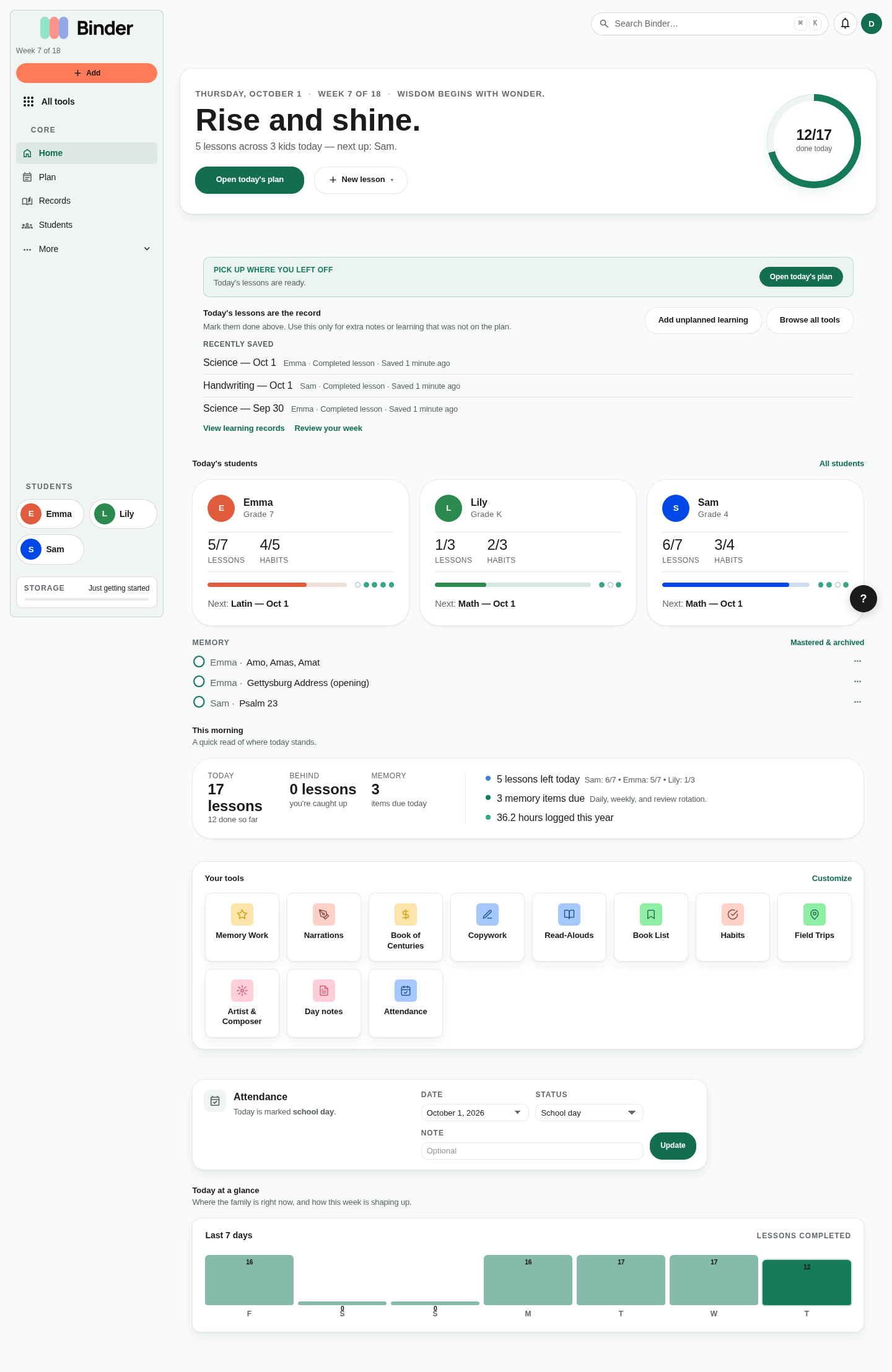
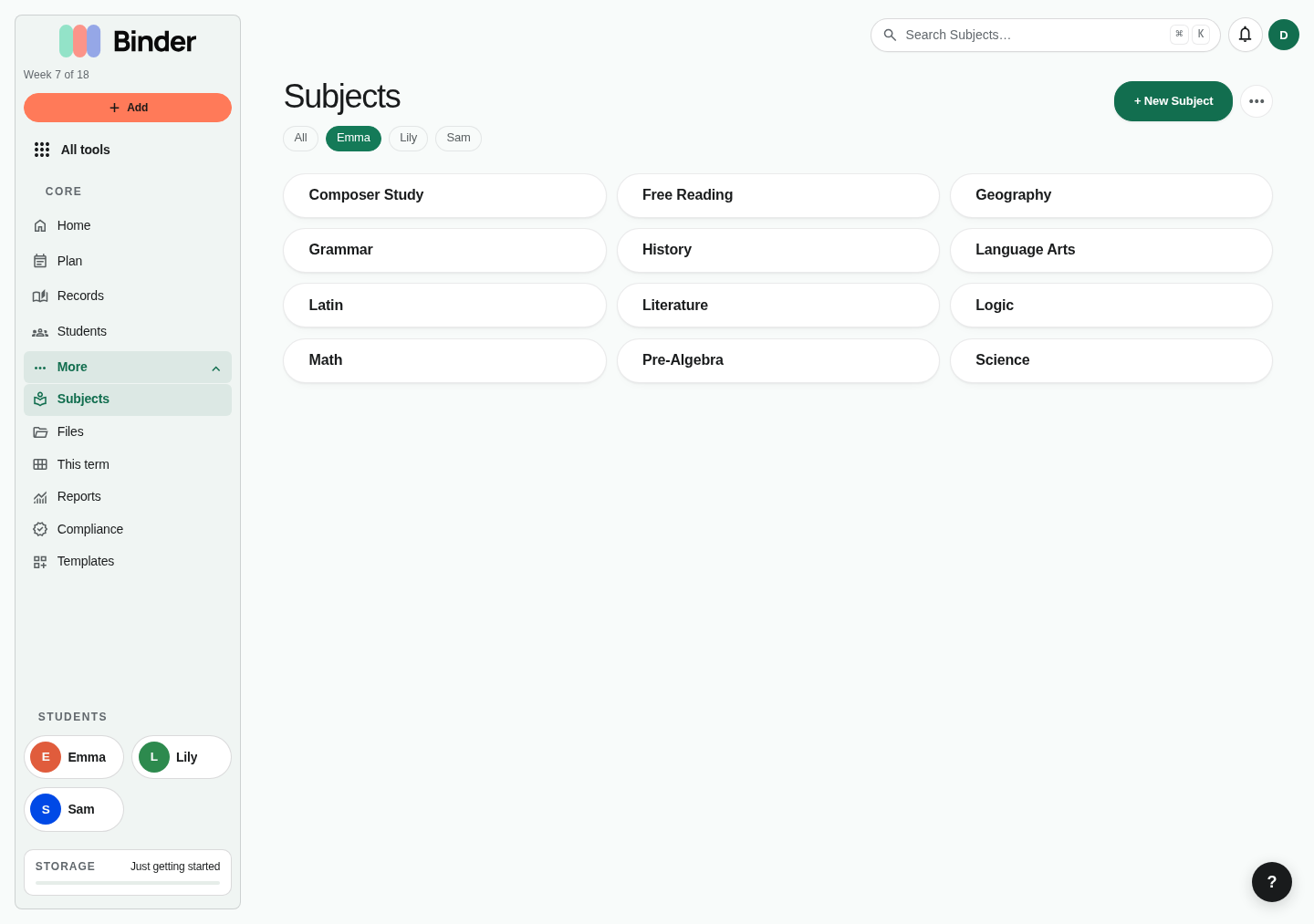
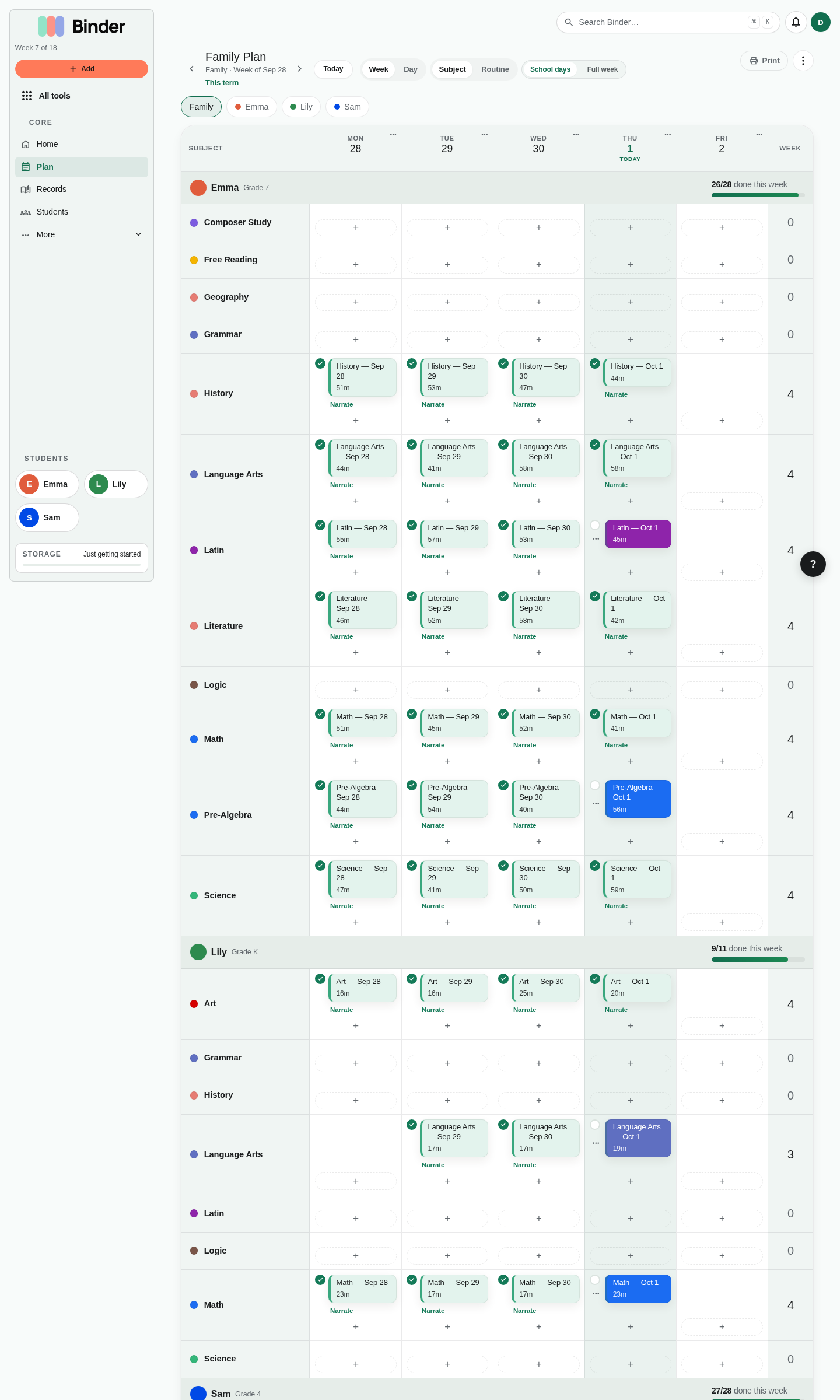
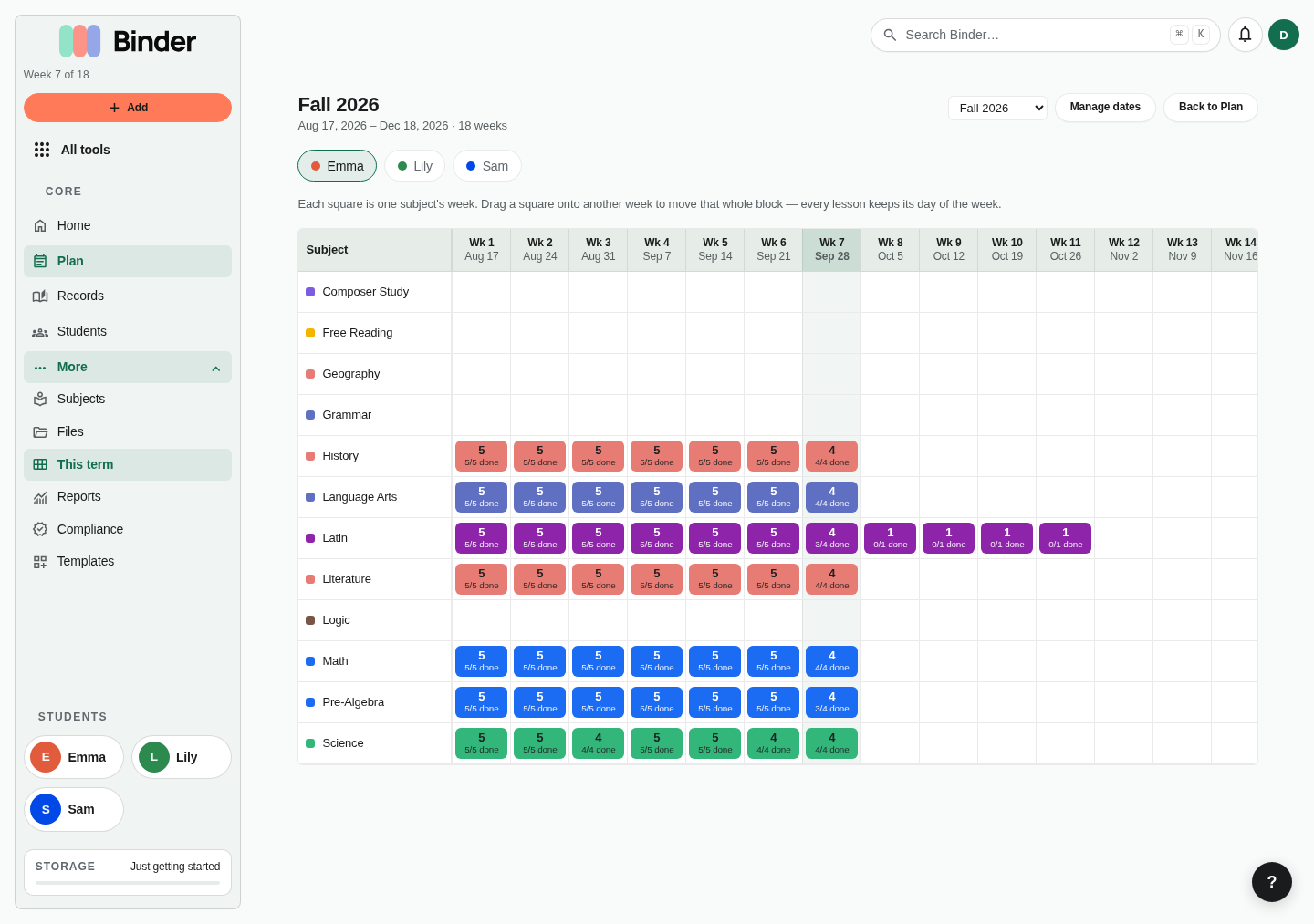
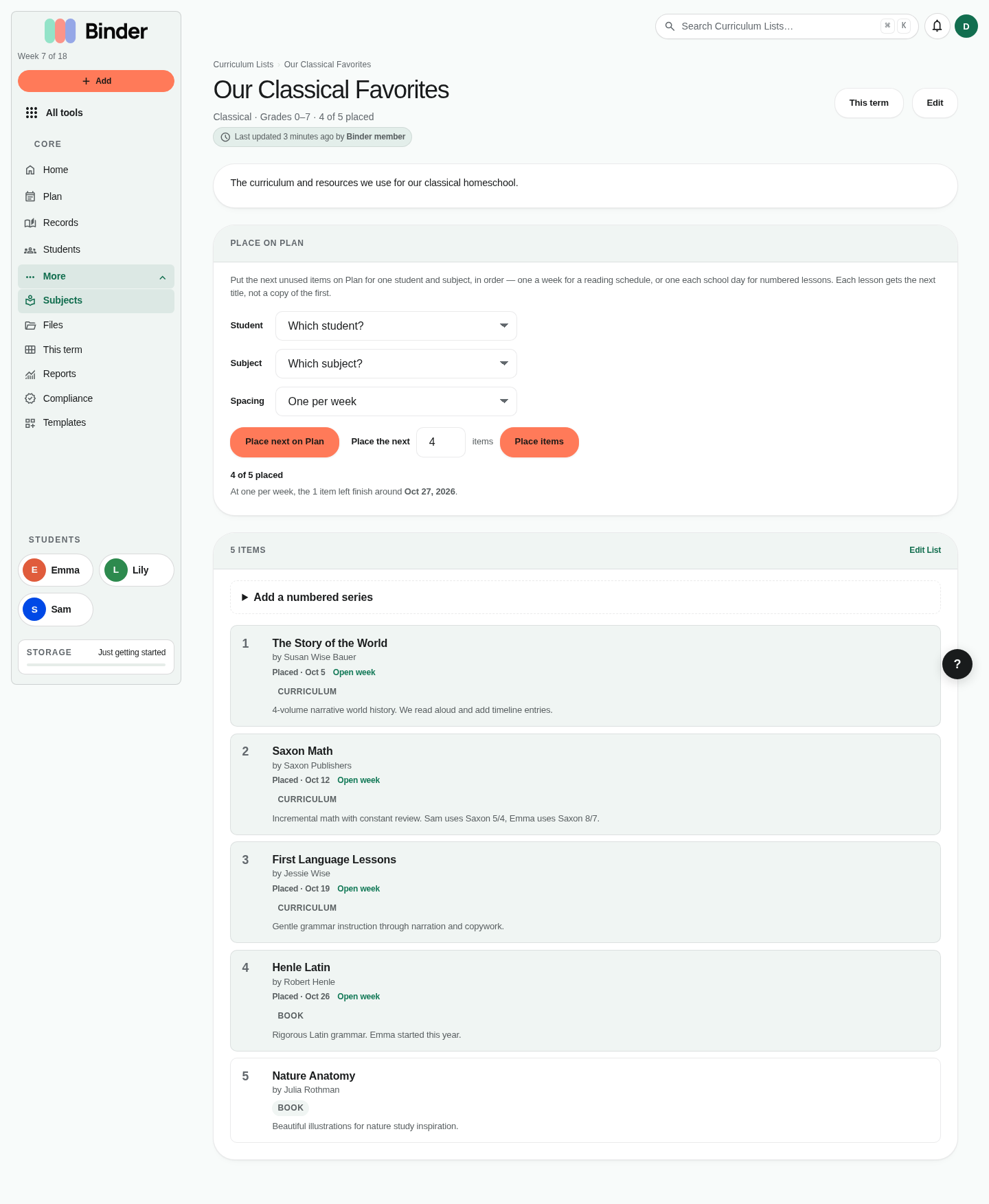
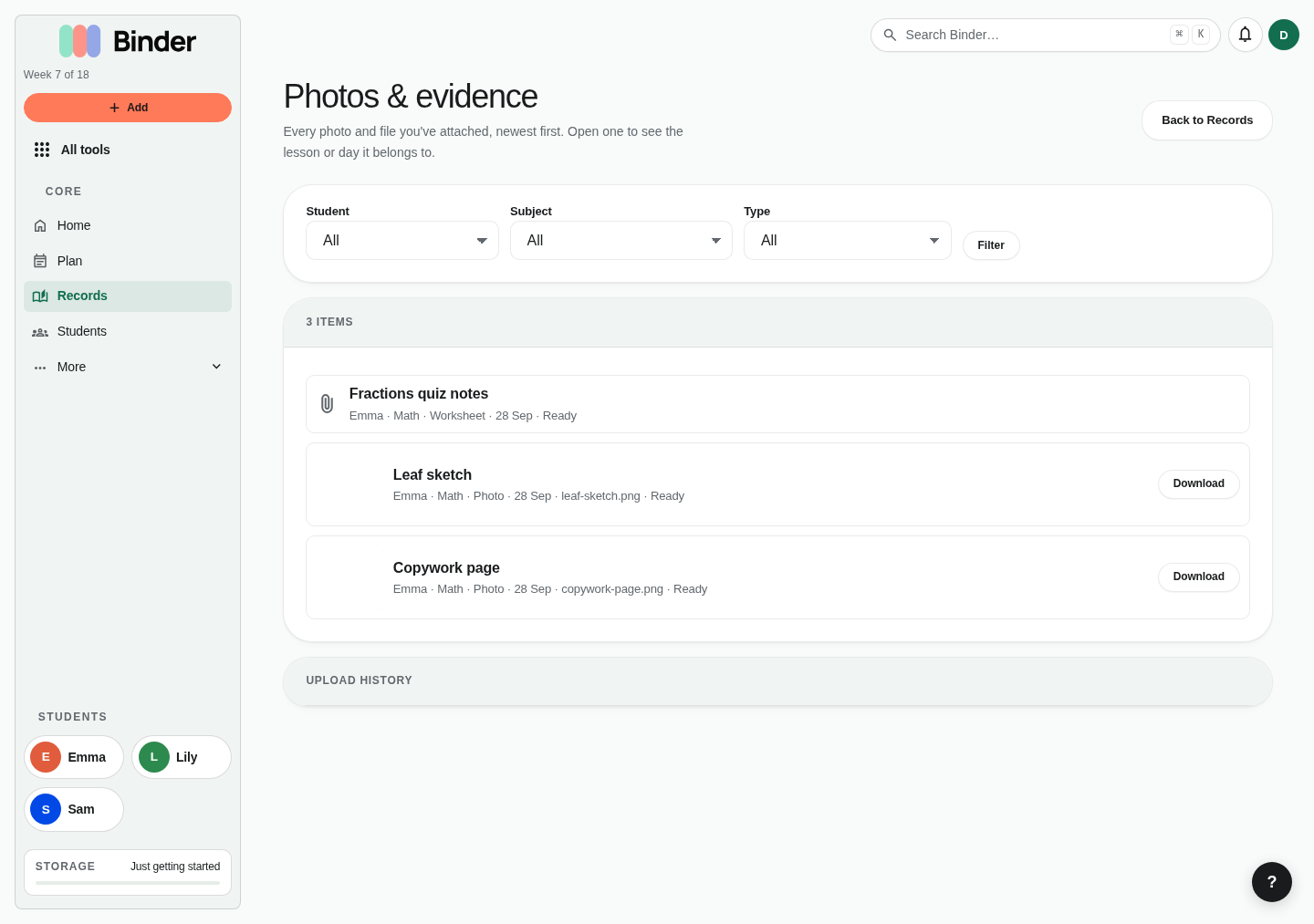
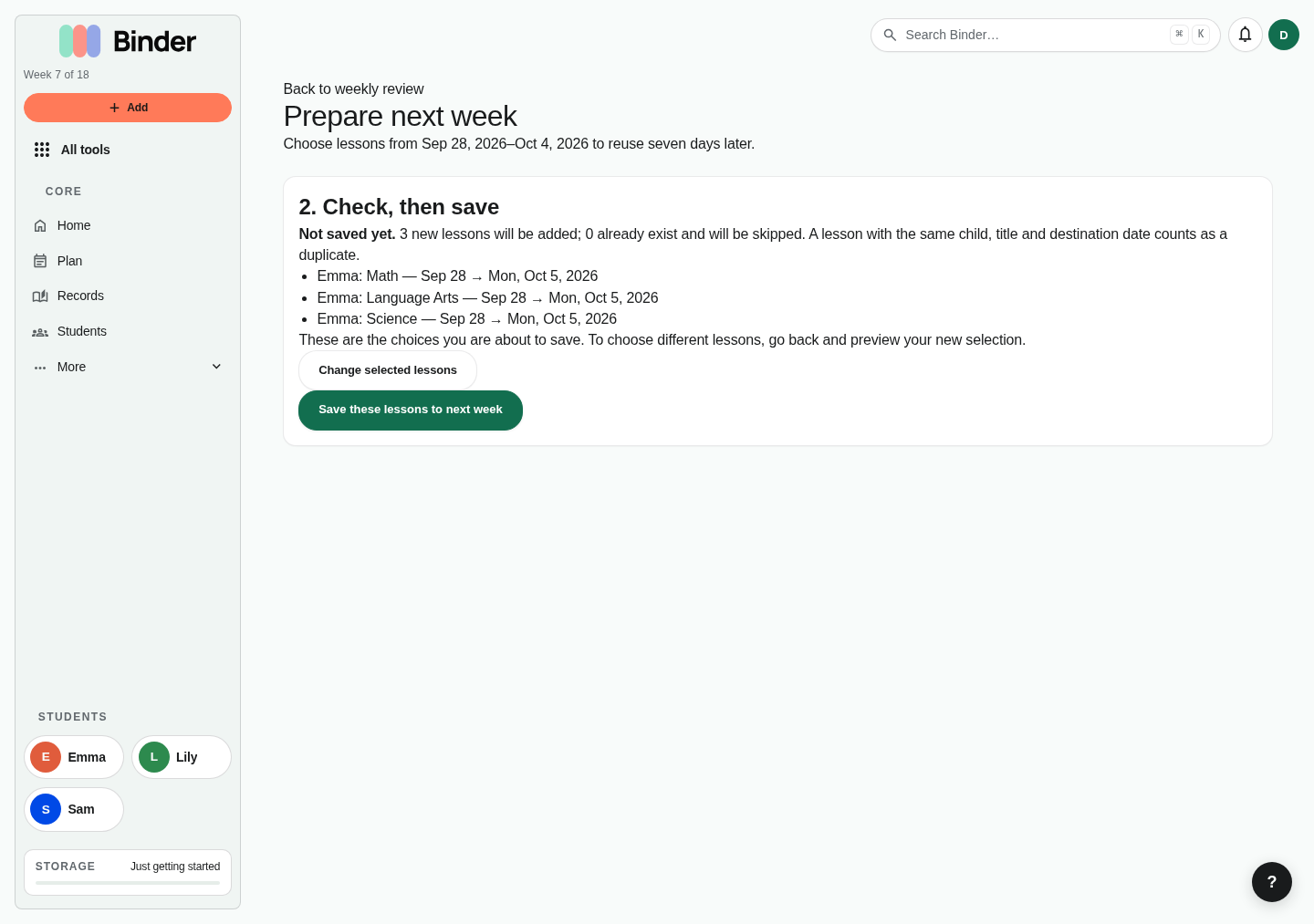
Sign in. Enter your email and Binder sends a link and a six-digit code. No password. The same email works on the web and in the iPhone and Android apps.Home. The family command center: today's lessons and habits per child, a pick-up-where-you-left-off strip (a draft, today's plan, or today's capture), recently saved learning, quick attendance, and your tools. Set it up by adding children, subjects, a term, and a few planned lessons.Subjects library. Subjects group lessons and power reporting. Create subjects for each family or child, then attach lessons, goals, materials, and curriculum notes.Subject detail. Use a subject page to review the scope of work for one area such as literature, math, or history. This is where parents see lessons, goals, and subject-specific activity together.Child lessons. Each student has a focused lesson list. Use it to see what one child has planned, completed, skipped, or still needs attention.Family Plan. Every student's week on one grid, a section per student with their week's progress. Pick a student above the grid to see only theirs. Add lessons with +, move them with the ⋯ menu, and mark co-op days, field trips, or days off from each day's menu.Day view. One day for the family or one student, with each lesson's notes. Phones open here; the arrows step one school day at a time.Month at a glance. The month on one calendar, from Plan's week menu (⋮). Click a day to open it on Plan.This term. Every week of the term for one student. Drag a subject's week to move it, or fill weeks from a curriculum list.Curriculum list. Enter lessons in order, then Fill next weeks; each week gets the next item.Photos & evidence. Every photo and file, filterable by student, subject, and type, from Records.Weekly review. Binder reads the week back: what was completed, what moved, gaps worth a decision, and how many lessons are worth reusing next week.Prepare next week. Choose lessons, preview exactly what would be saved and what would be skipped as a duplicate, then confirm. Previewing is free; saving is Plus.
Files and search
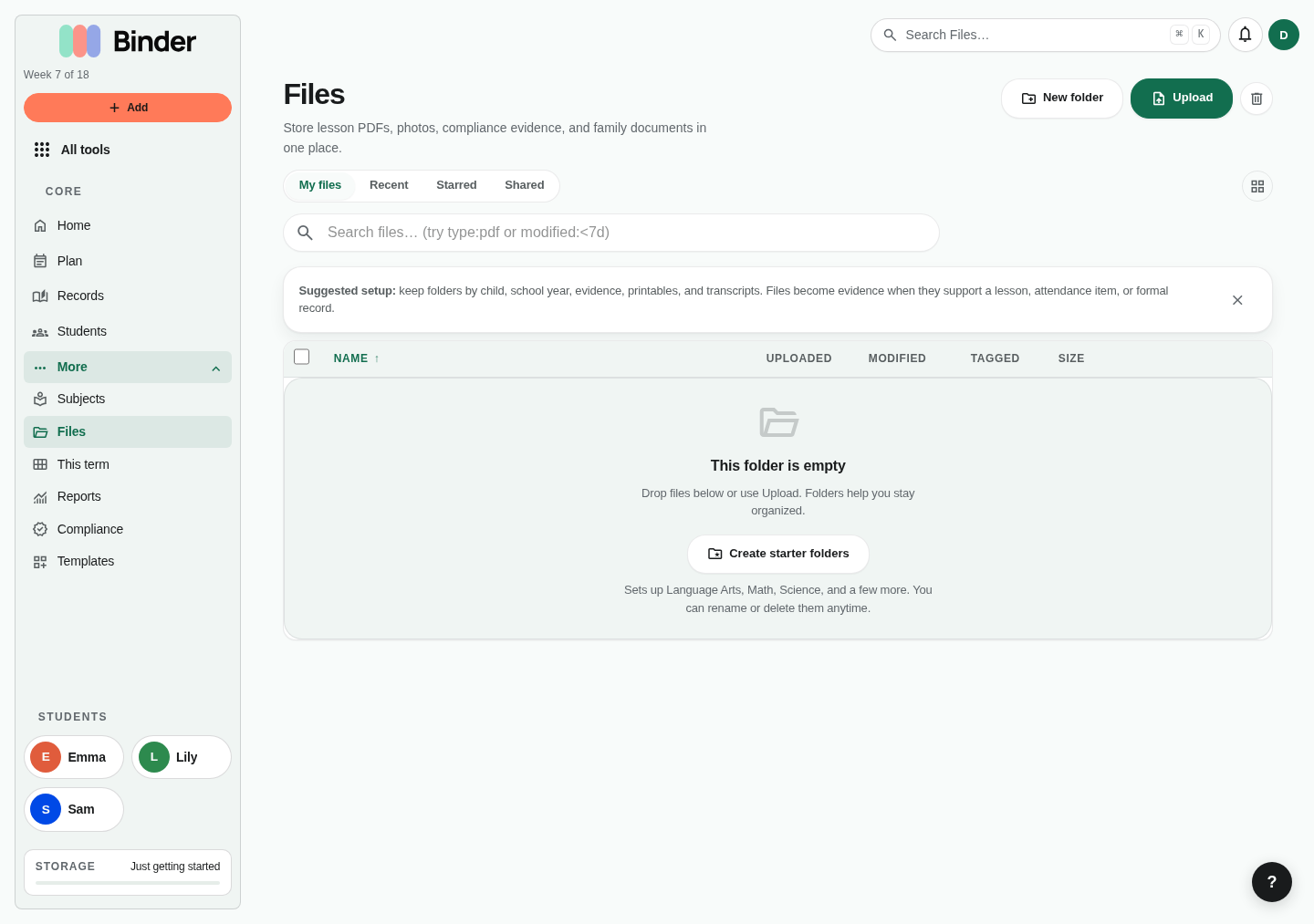
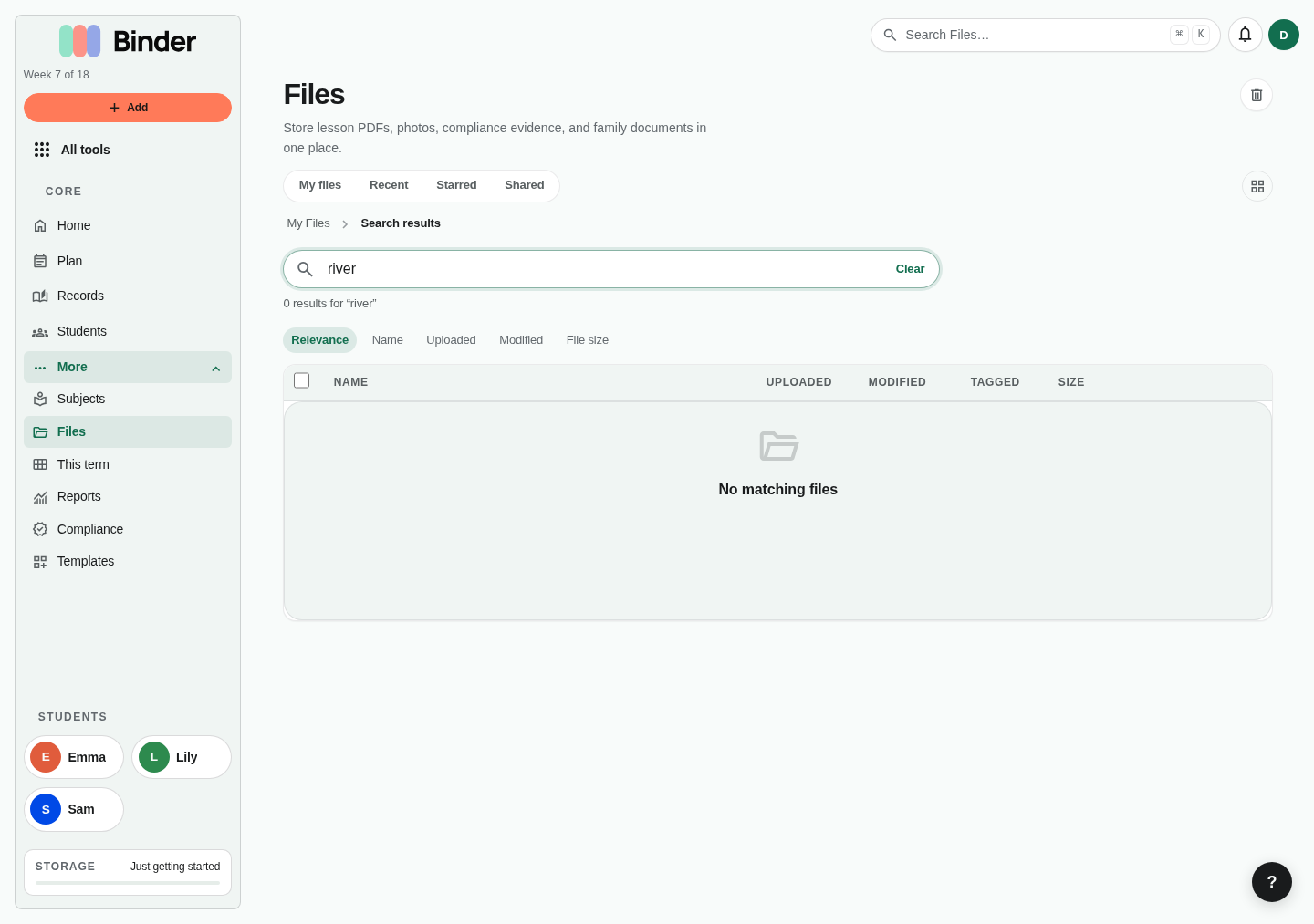
The file manager keeps worksheets, portfolio evidence, CSVs, Markdown notes, and records organized in one searchable library.
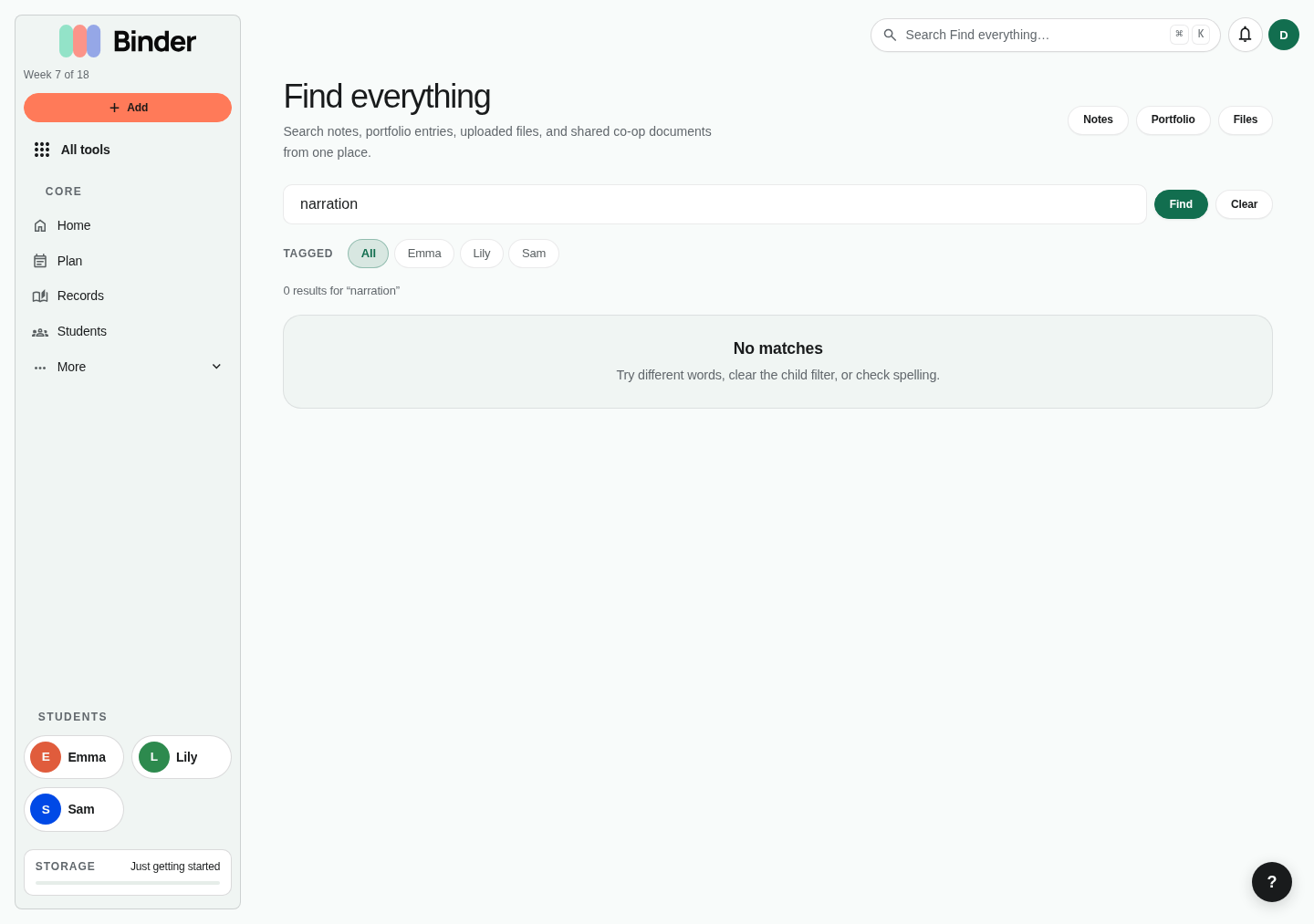
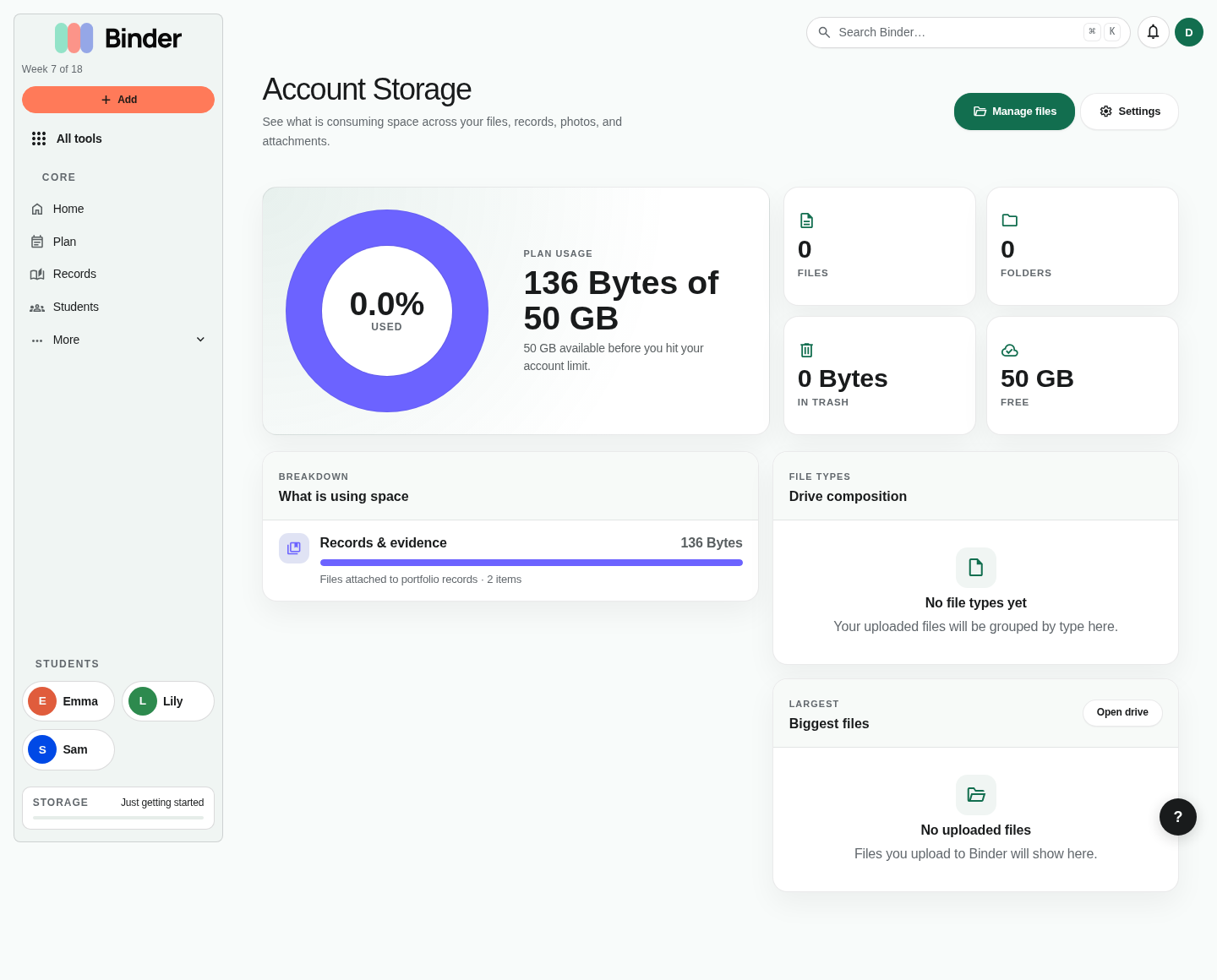
File manager. Upload files, create folders, star important documents, tag files to children, and browse by recent activity. Demo data includes nested folders, starred files, and per-student work samples.File search. Search by filename or indexed text. Use this to find narrations, attendance summaries, lesson plans, and portfolio evidence without remembering folder location.Library search. The broader library search pulls together uploaded files, subjects, records, and other learning resources. It is the fastest way to jump across Binder's content areas.Storage usage. Account storage shows how much space is used by personal files, evidence, and other uploads. This helps families understand plan limits before they hit a quota.
Records, attendance, and compliance
Binder turns daily activity into durable homeschool records: attendance, portfolio artifacts, reports, transcripts, and long-form documentation.
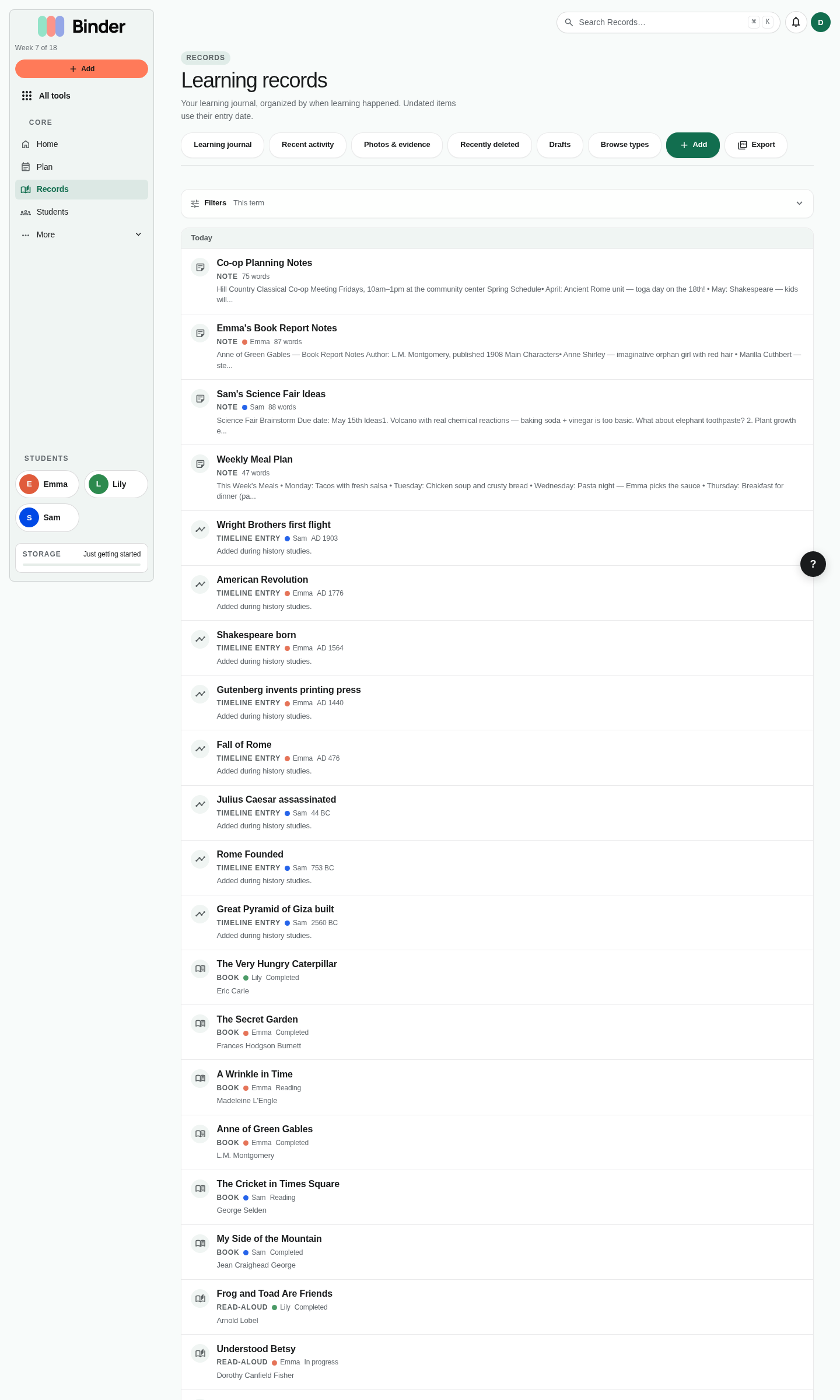
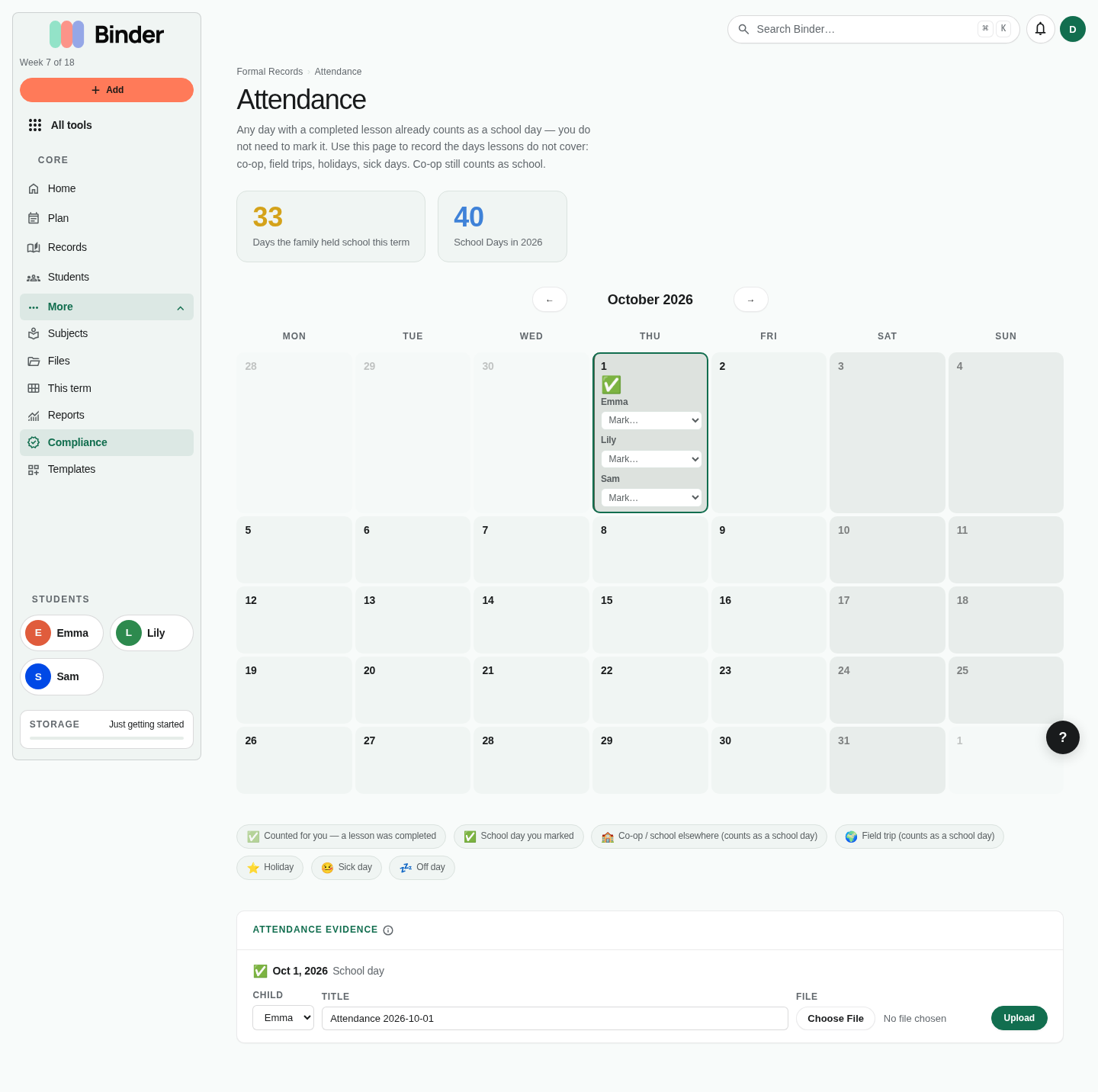
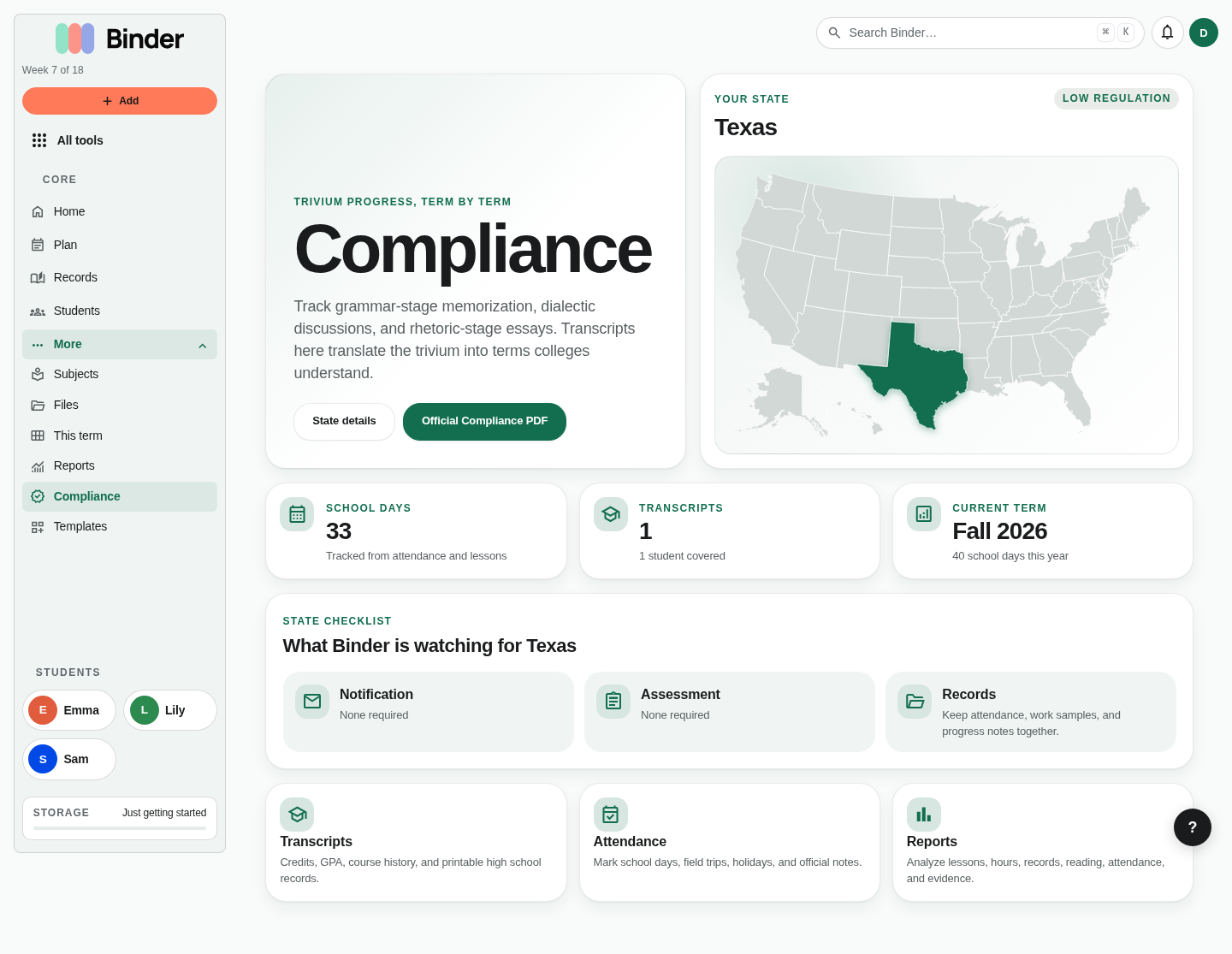
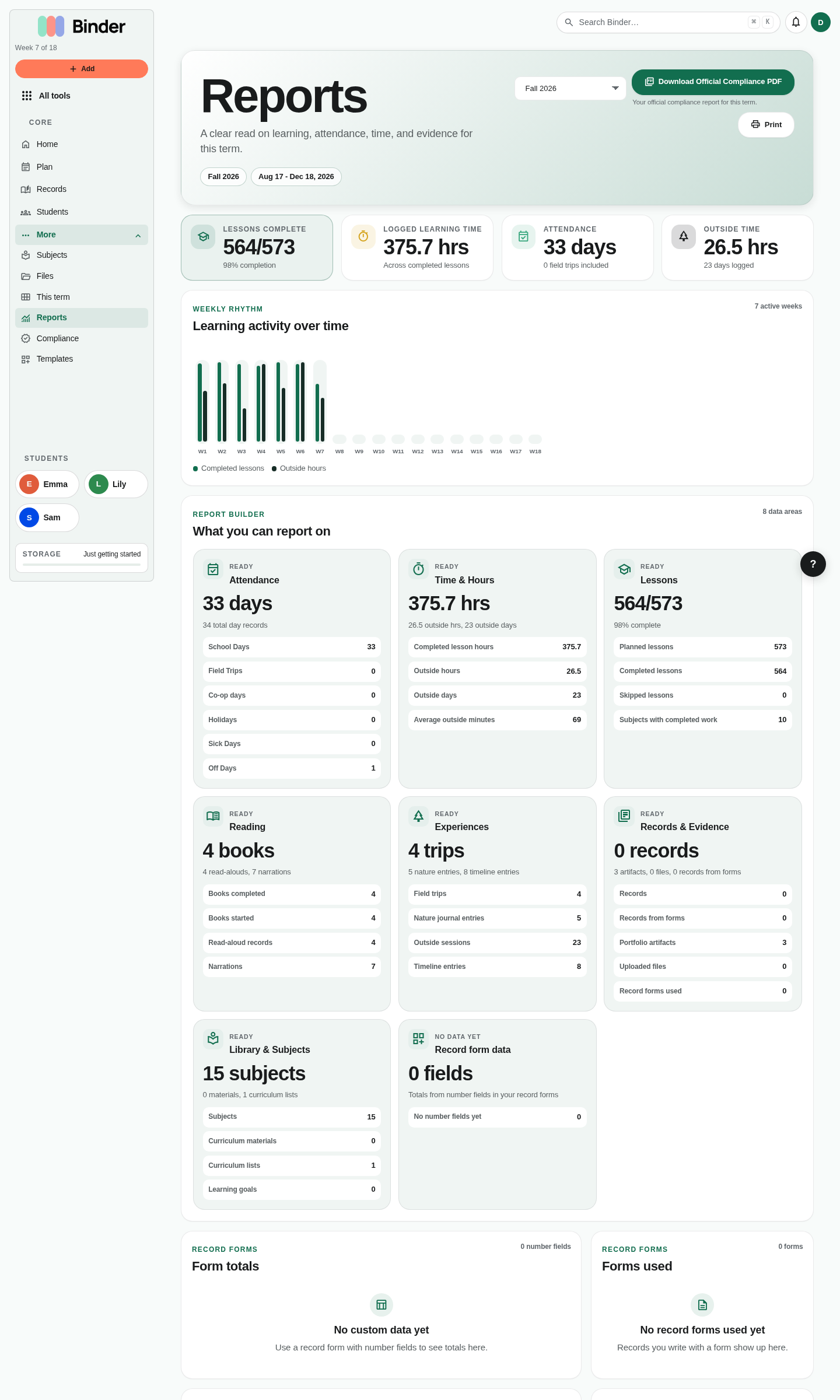
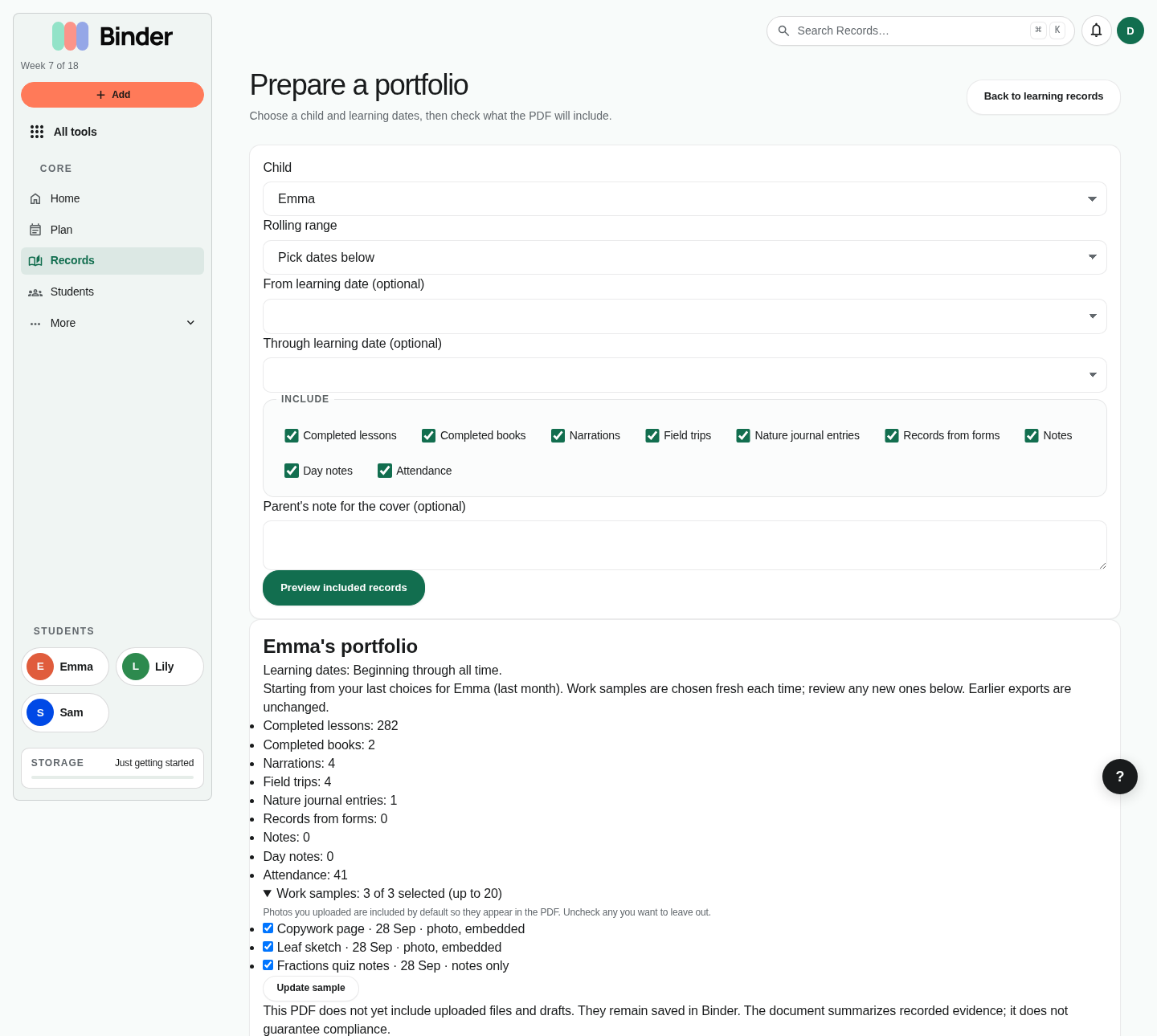
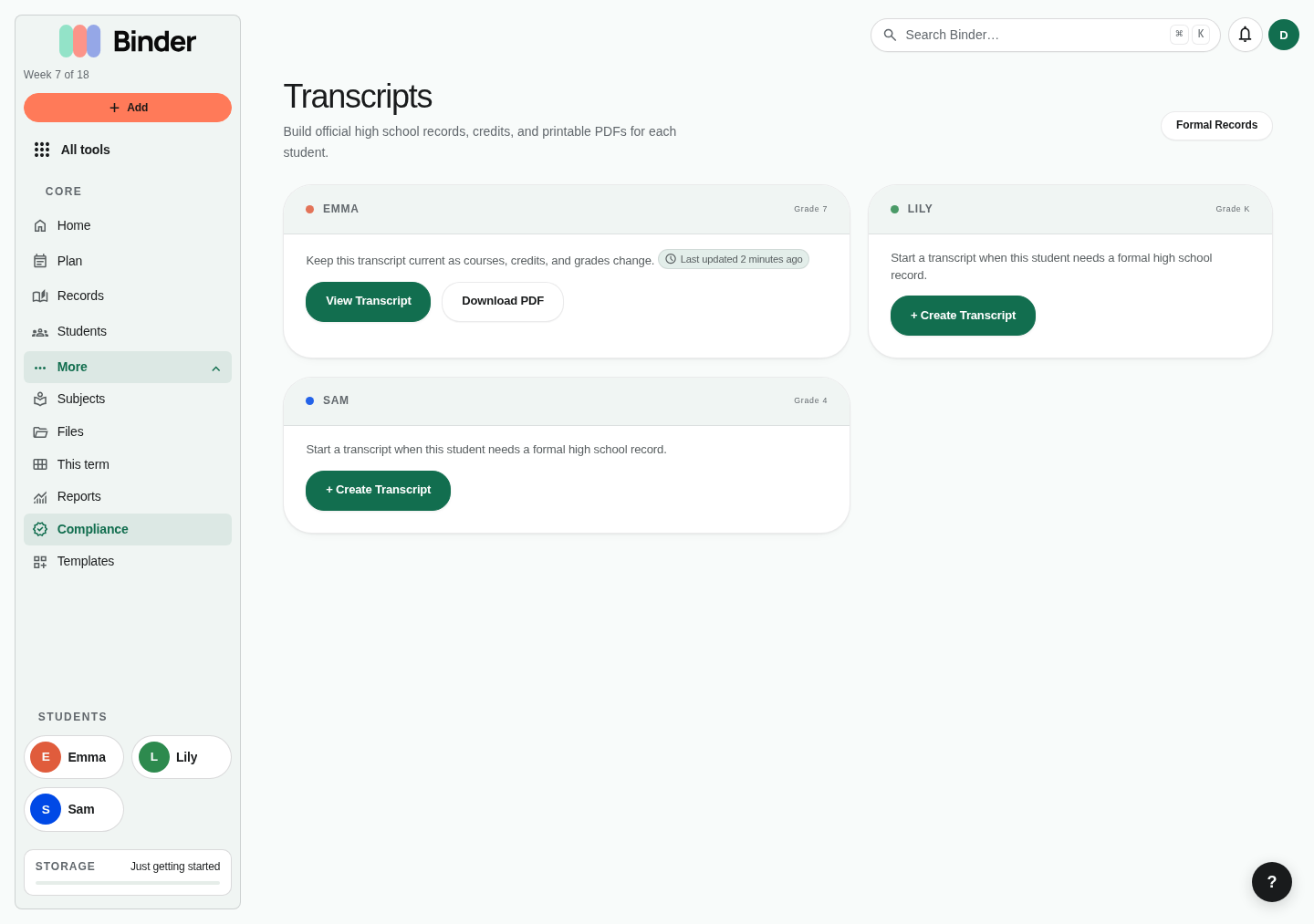
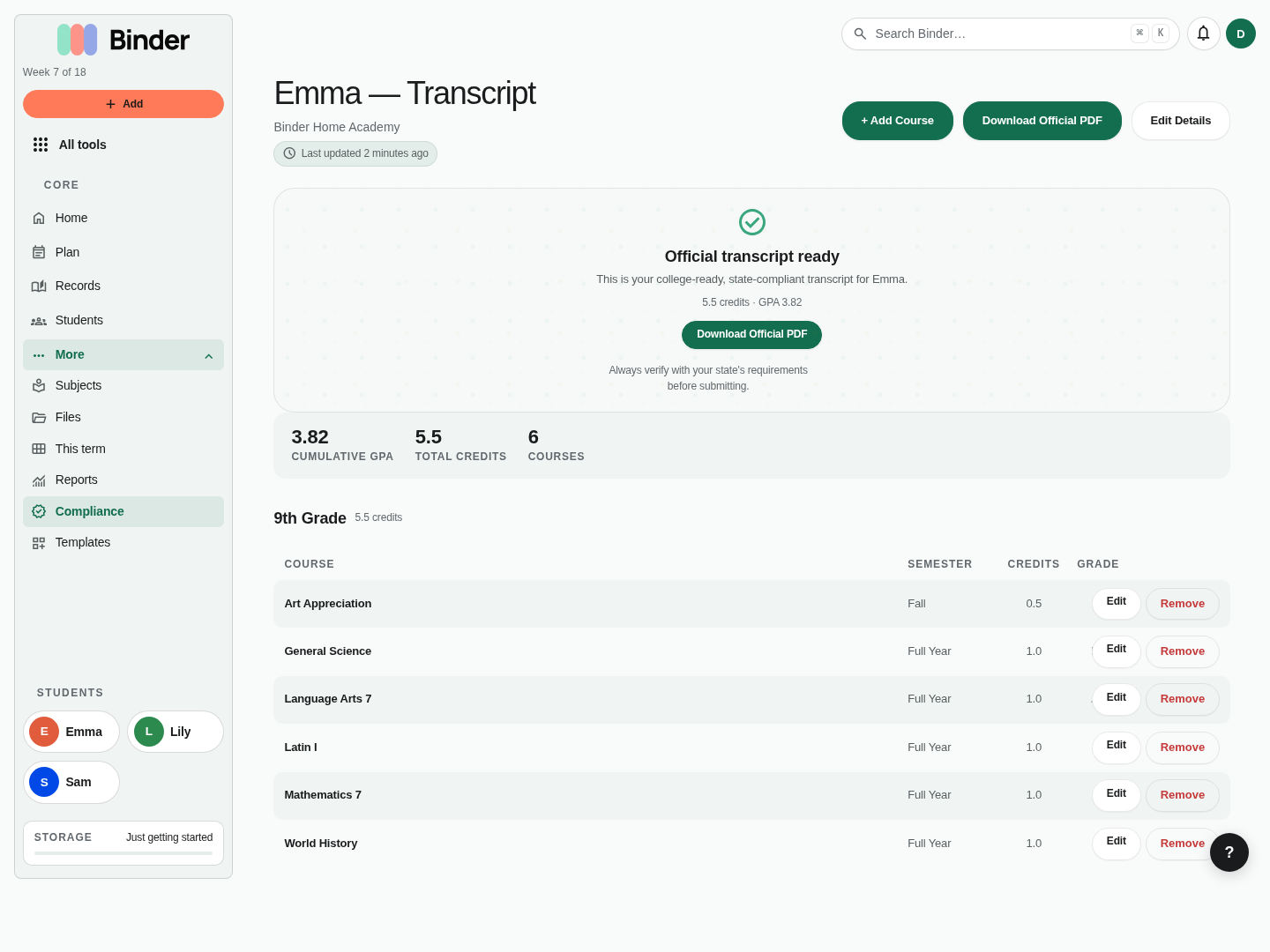
Records and portfolio. Review logged learning in one feed, then create narrative records or portfolio entries. Setup comes from completed lessons, daily logs, narrations, field trips, and attached evidence.Record detail. Rich records are used for reviews, term summaries, compliance notes, and portfolio narratives. Parents can draft, revise, and connect supporting evidence.Attendance. Mark school days, co-op days, field trips, holidays, sick days, and off days. Co-op days and field trips count as school days.Compliance profile. Set a state profile and track required days, hours, and subjects. Binder provides planning support, not legal advice.Reports. Reports summarize lessons, subjects, hours, attendance, and progress. Use them at the end of a month, term, or year to prepare parent reviews or evaluator packets.Prepare a portfolio. Choose a child, dates, record types, work samples, and a cover note. The counts show what the PDF will contain; sample pages are free and the full document is Plus.A saved learning day. Where Log learning lands: the day's notes, reading and narration, with the lesson, attendance, and evidence that were saved together. Each lesson's Edit opens the lesson.Transcripts. Scholar accounts can create high-school transcripts. Start from a child, school name, graduation date, and course list.Transcript detail. Add courses, credits, grades, and descriptions. Binder totals credits and GPA so parents can export a clean academic record.
Daily homeschool tools
Daily tools capture the work that does not always fit a standard lesson grid: reading, narrations, habits, nature, field trips, memory work, timelines, and cultural studies.
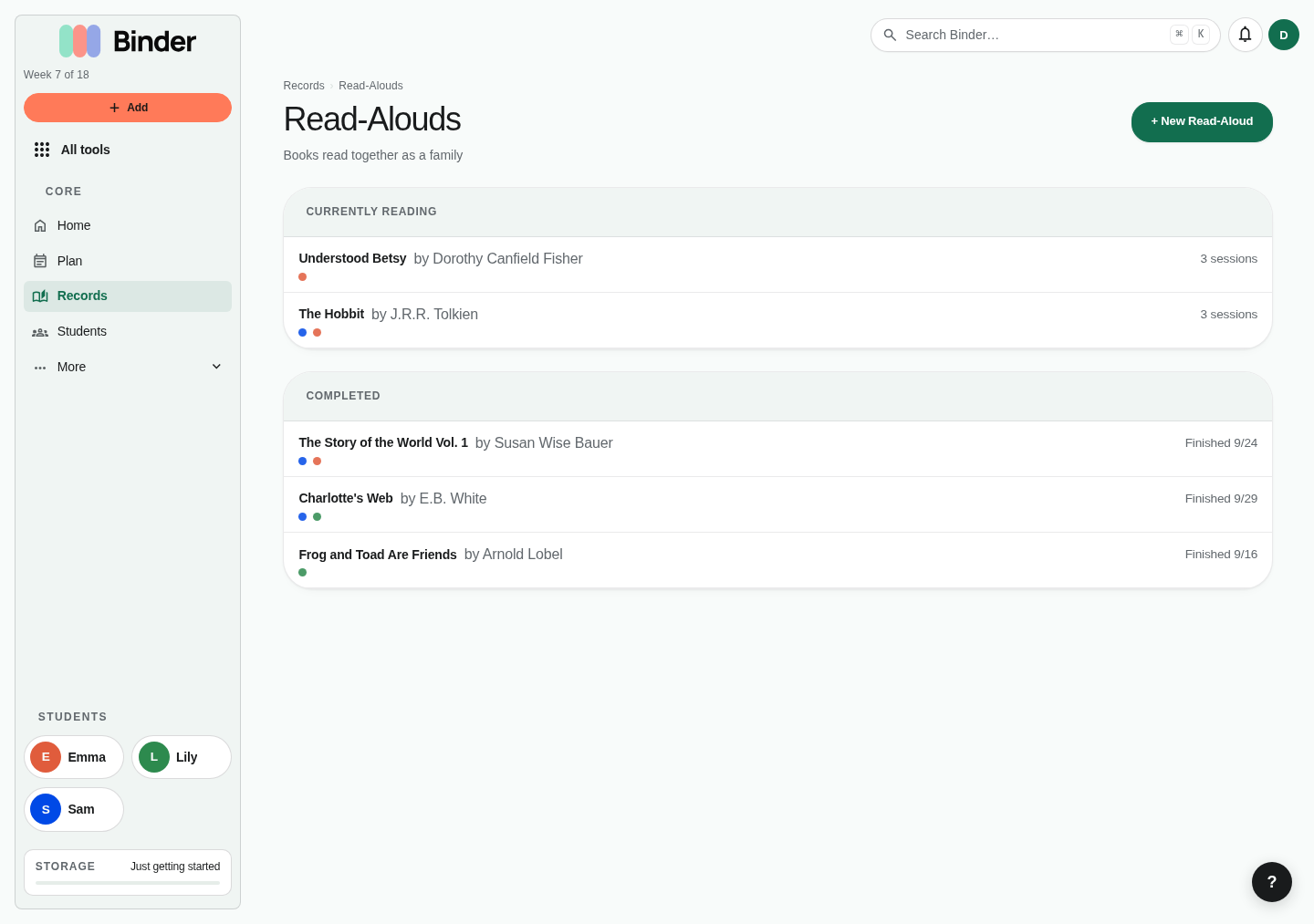
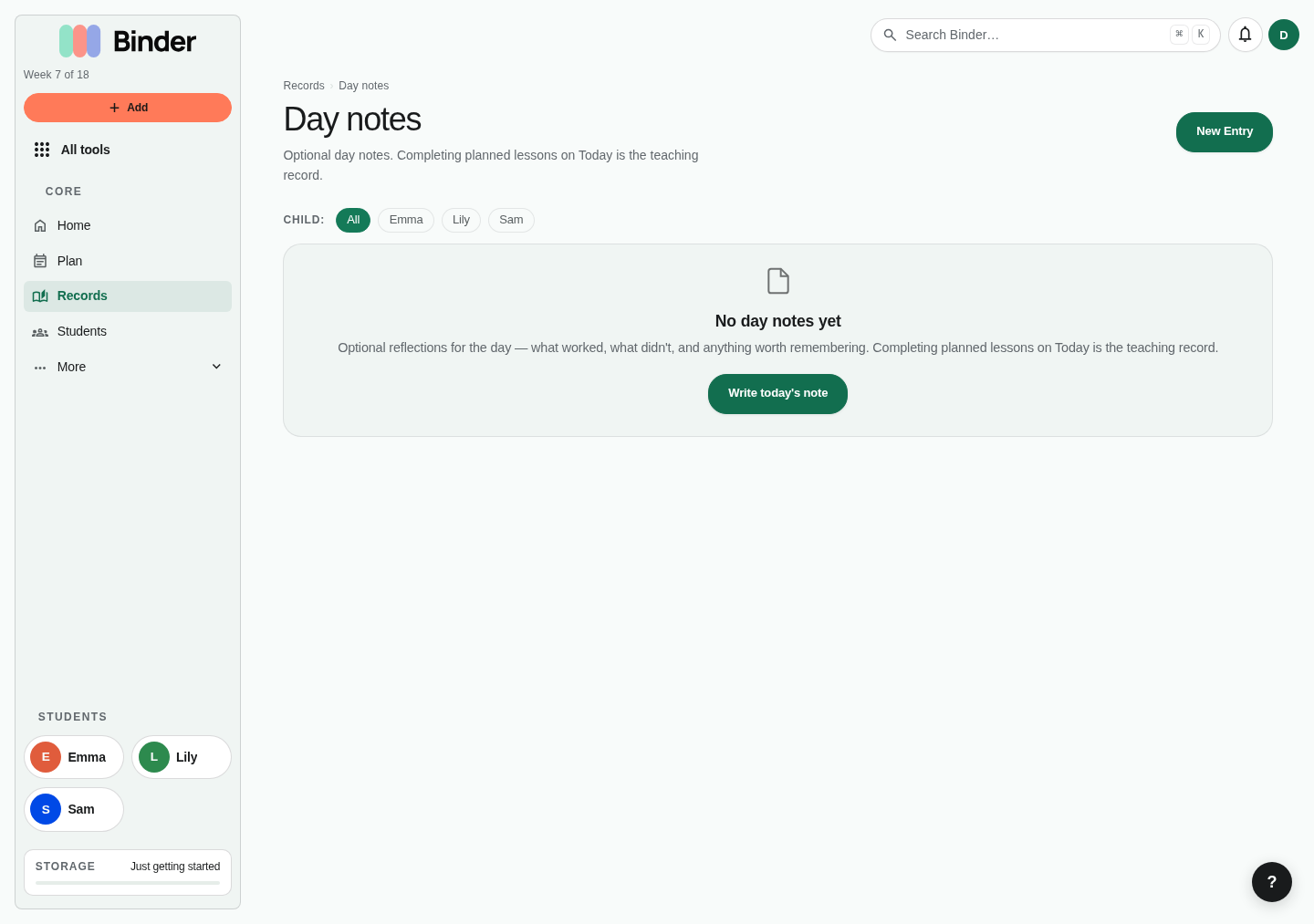
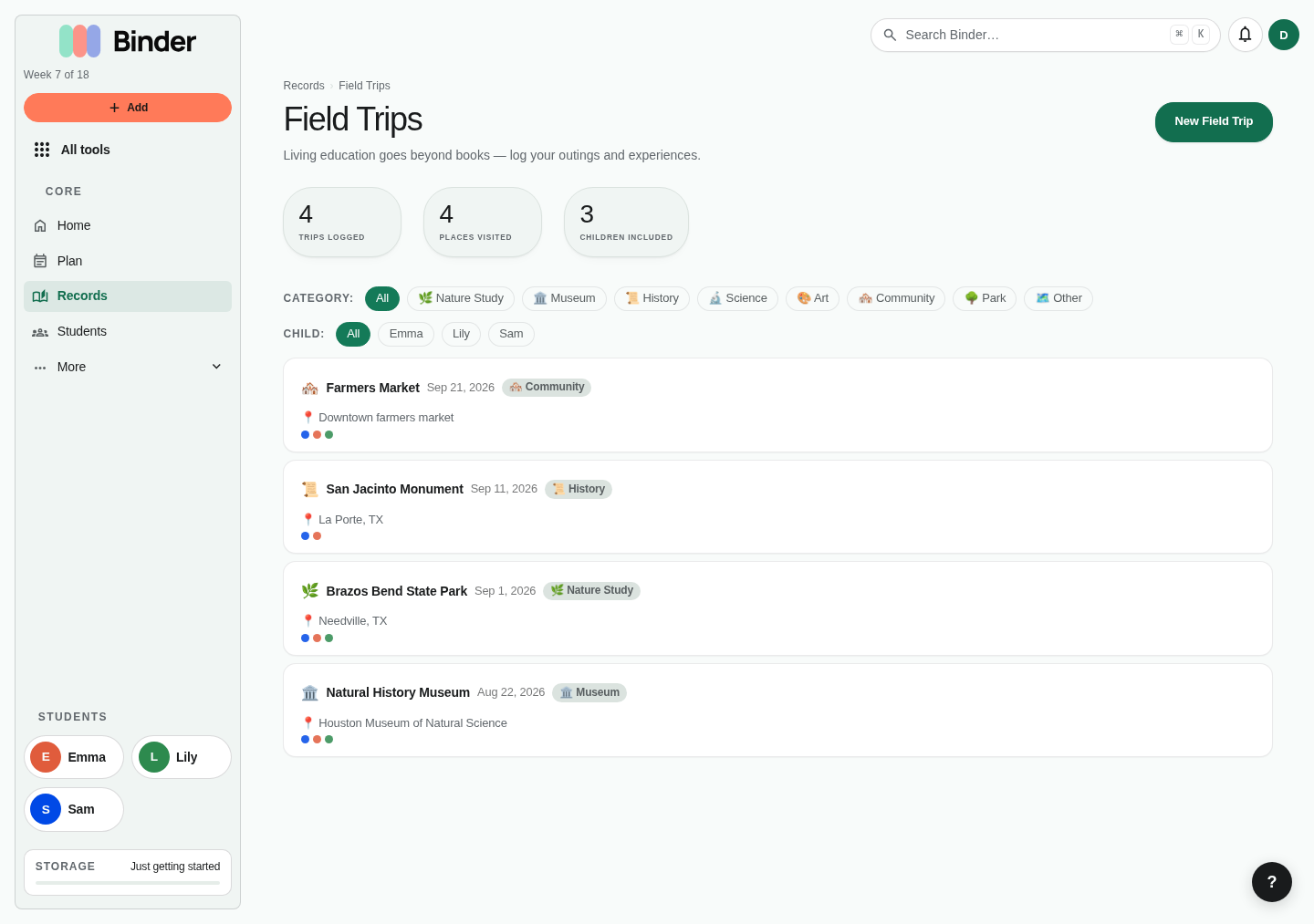
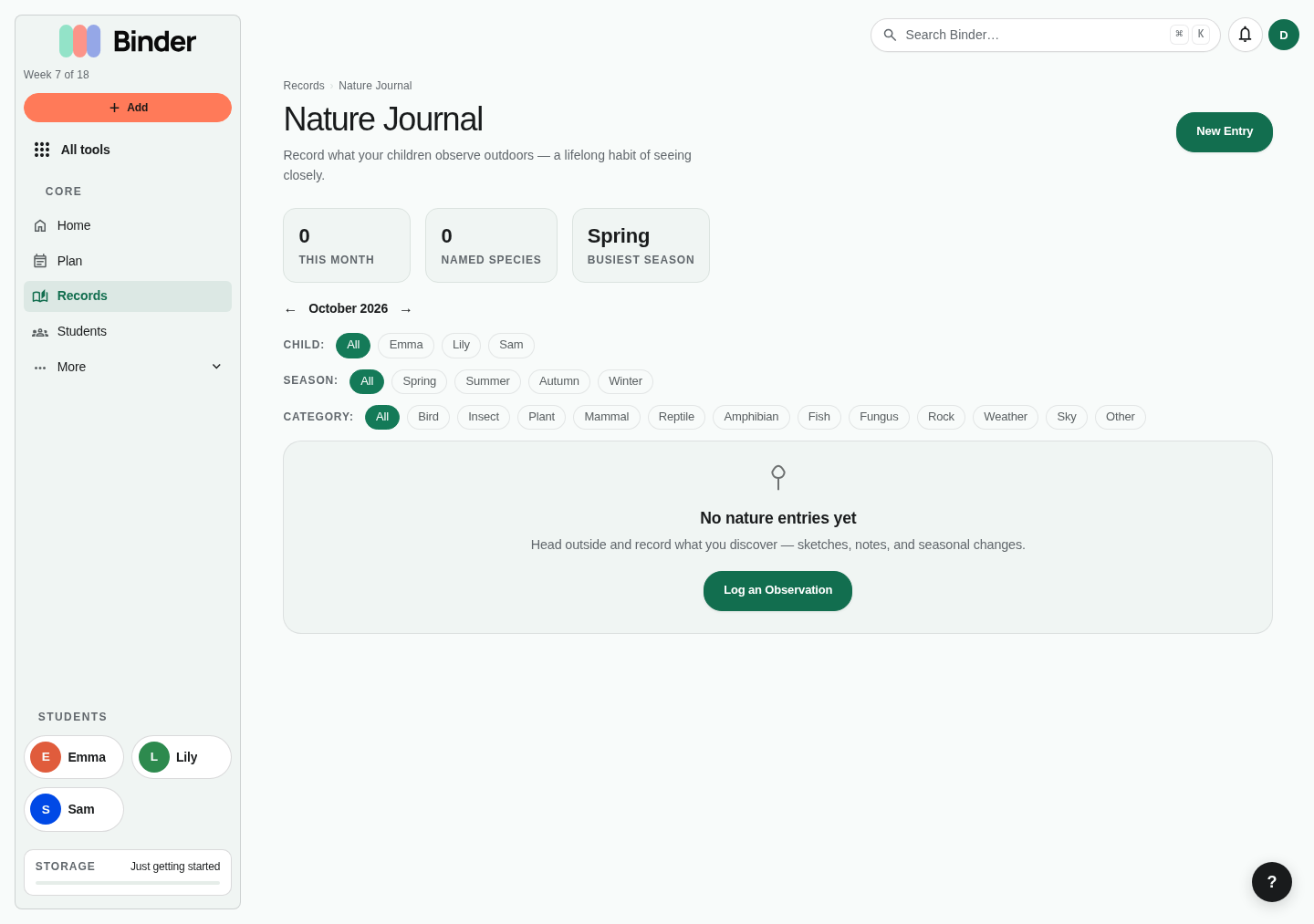
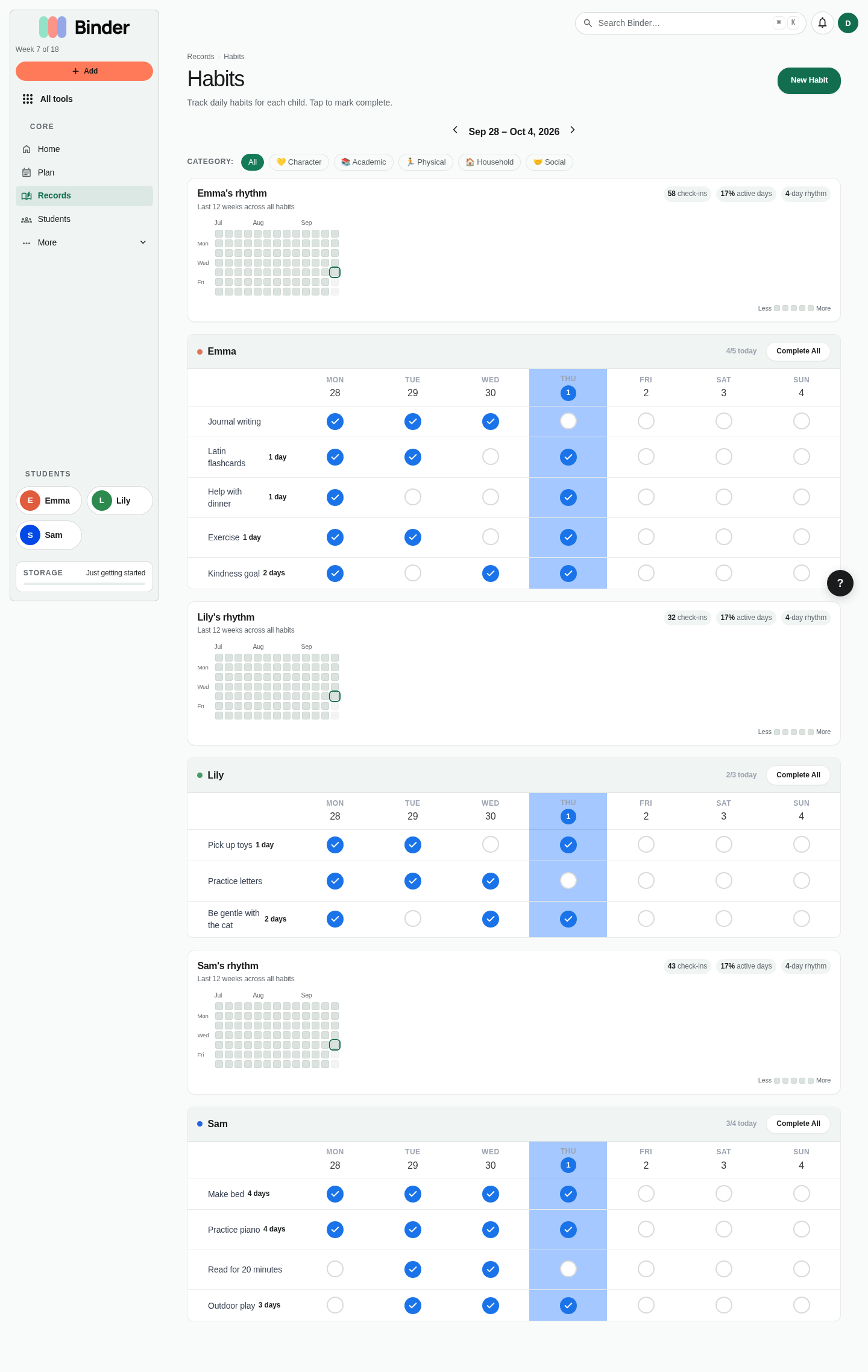
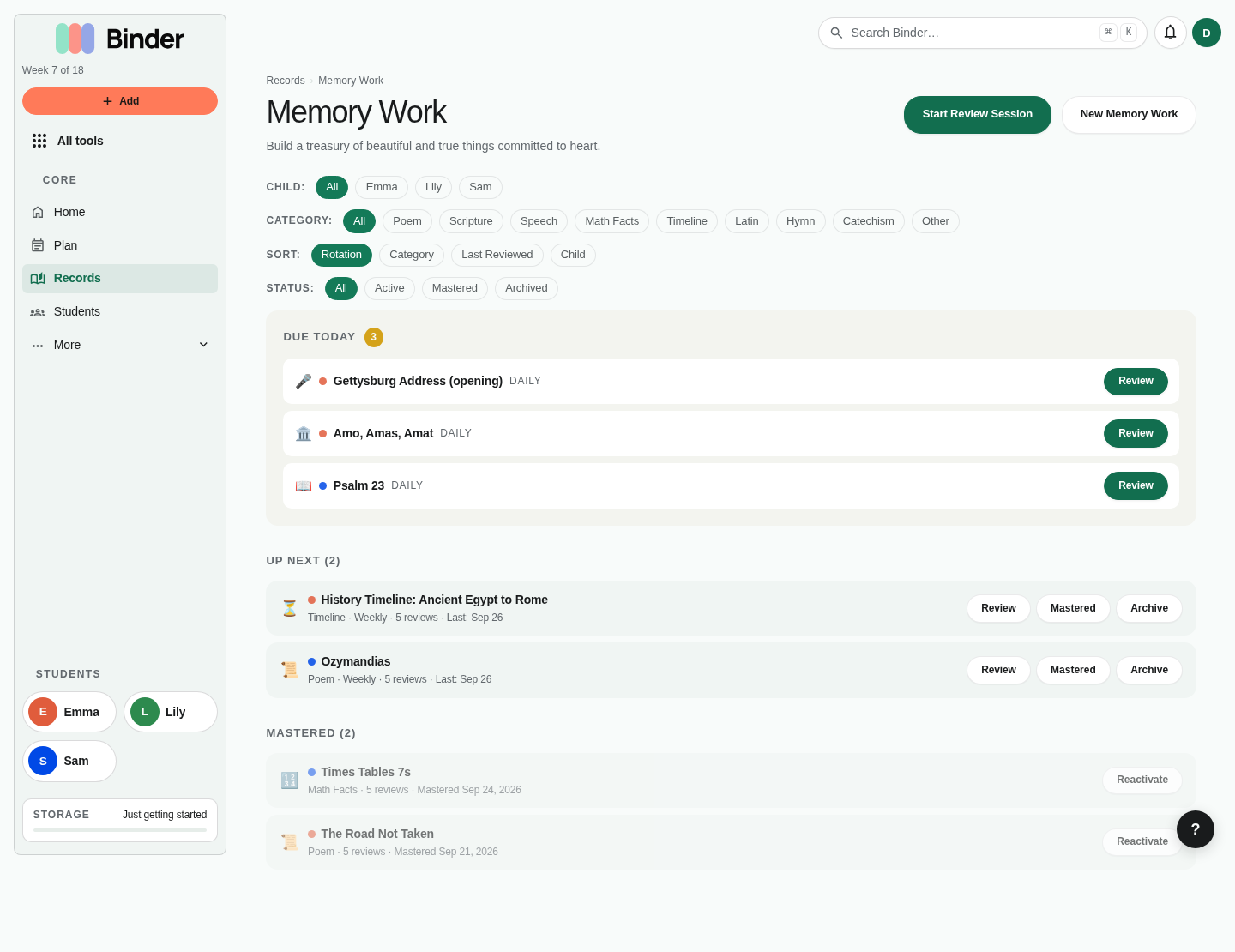
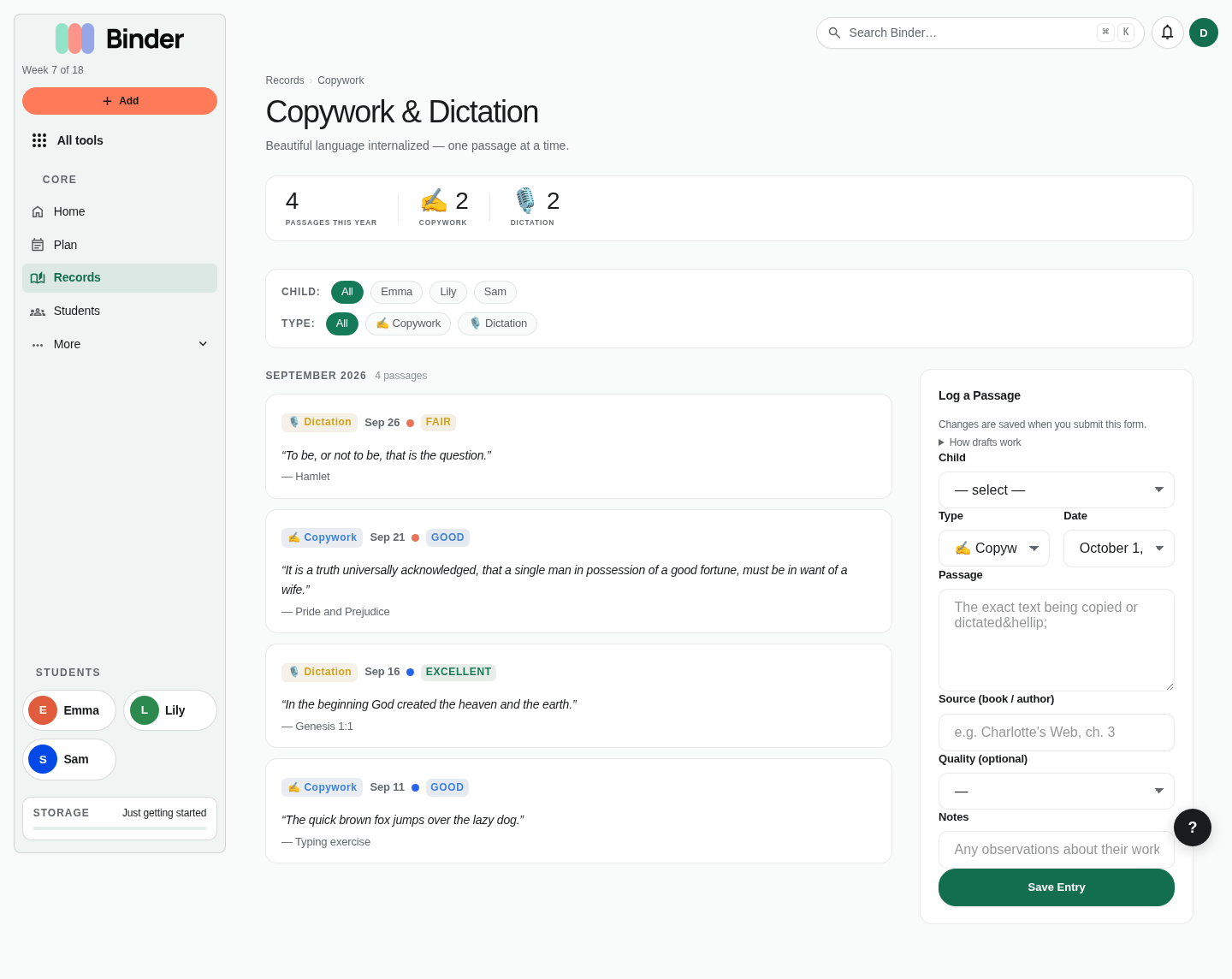
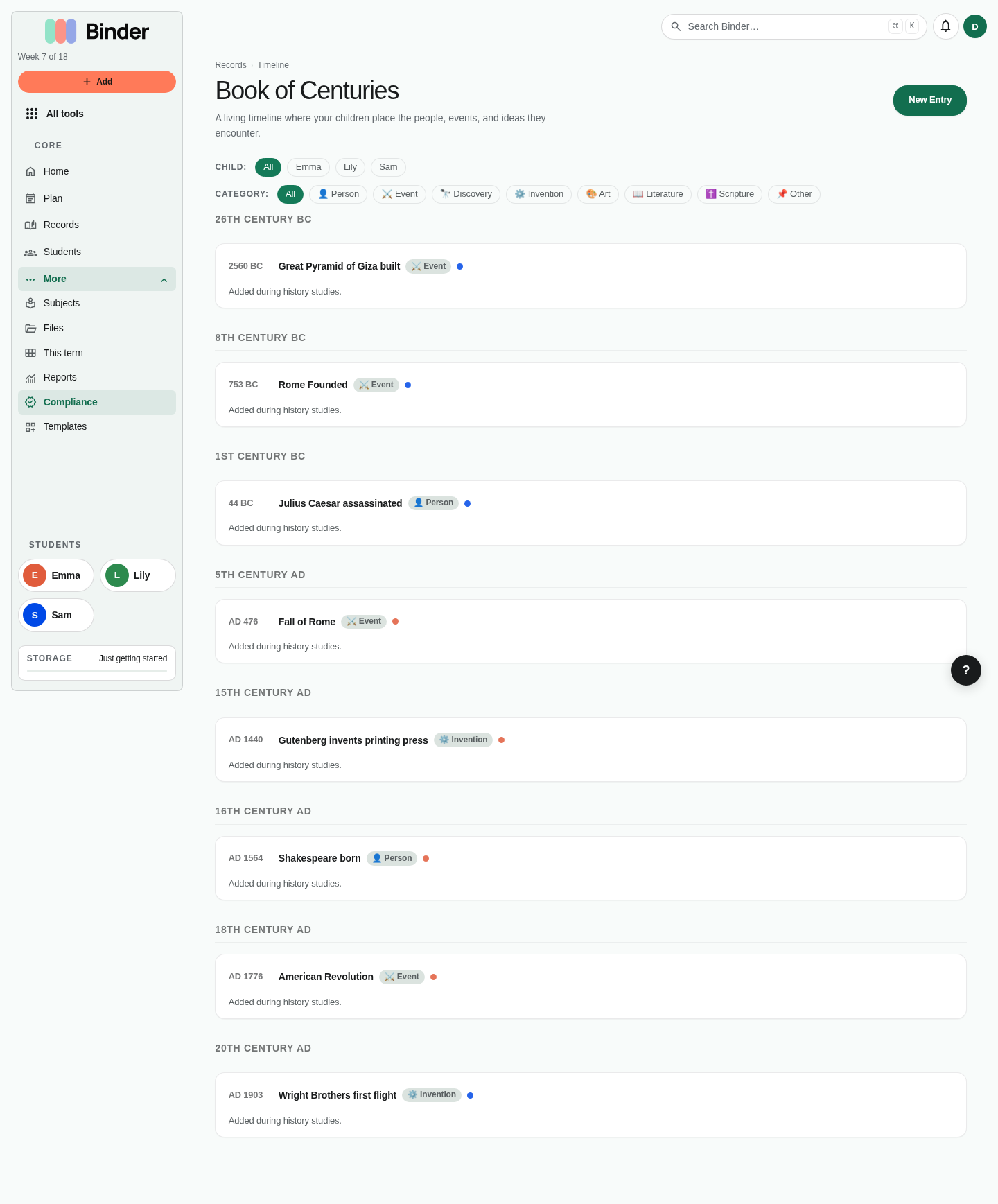
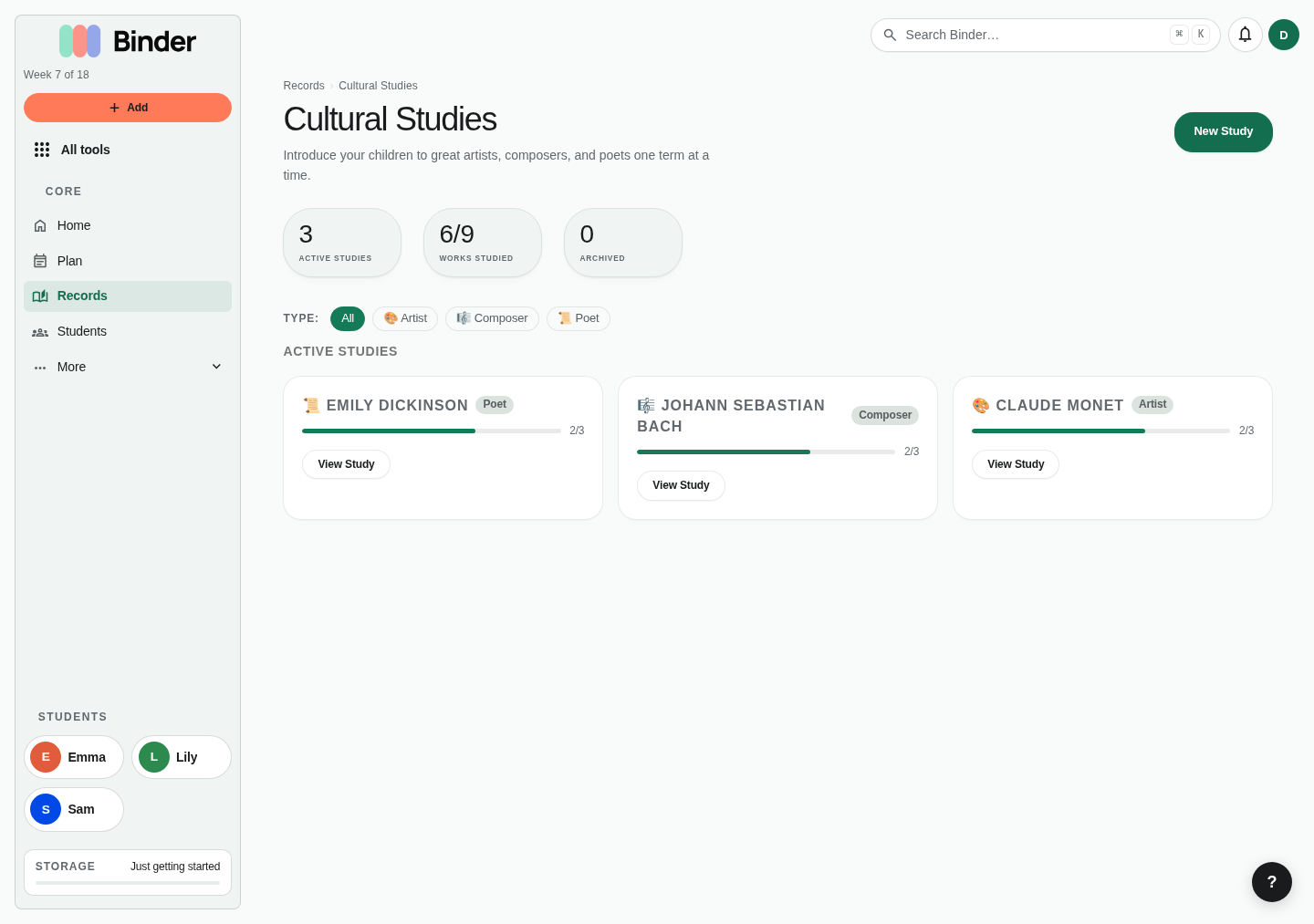
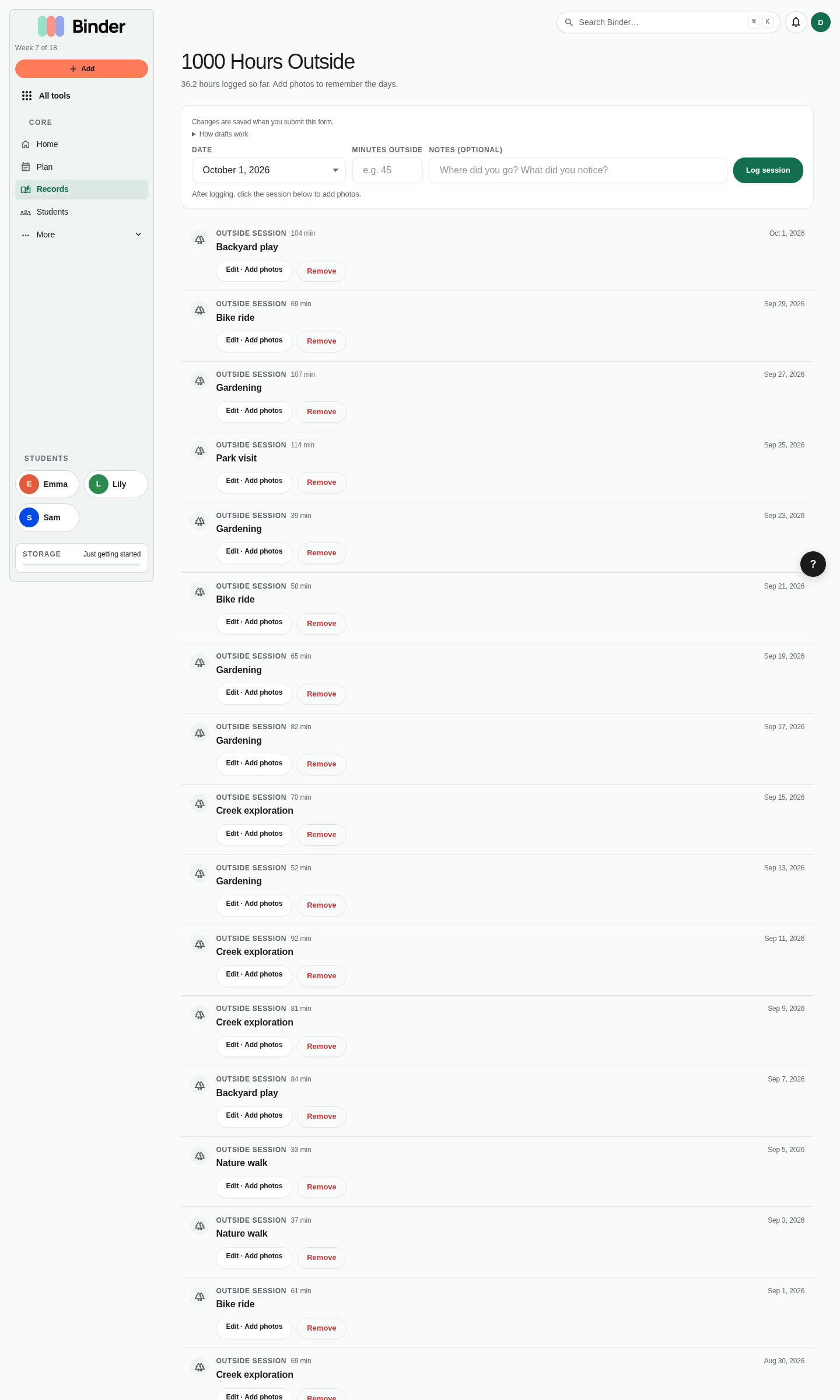
Books. Track what each child is reading, the current status, and dates. Book records feed portfolio and progress conversations.Read-alouds. Log books read to multiple children at once. Add sessions to track date, duration, chapters, and notes.Read-aloud detail. Use this page to review progress through one shared book and the children included in it.Learning days. Each child's day from Log learning, with notes, reading and narration. Planned lessons are recorded by checking them off on Today.Log learning. For work that wasn't on the plan: saves a note, reading and narration, attendance, an optional completed lesson, and a photo in one pass, then opens that child's learning day.Field trips. Record outings with dates, locations, categories, notes, and photos. These become portfolio evidence and compliance support.Nature study. Track observations by child, category, location, season, and weather. This is especially useful for Charlotte Mason and outdoor learning workflows.Nature entry detail. Review one observation and its supporting notes. Add enough detail for later portfolio or subject review.Habits. Track repeatable practices by child, such as morning routine, instrument practice, or copywork. Habits can be toggled without turning everything into a grade.Memory work. Store verses, poems, facts, speeches, or passages and review them with a spaced repetition rhythm.Copywork. Log copied or dictated passages with source, child, and notes. This supports handwriting, spelling, grammar, and close reading records.Book of Centuries. Add people and events to a history timeline for each child.Cultural studies. Track artists, composers, works studied, and notes. Set this up by adding a study and marking individual works as complete over time.Outside time. Log outdoor sessions, duration, and notes for families who track nature time or outdoor learning goals.
Account, storage, and billing
Account pages control personal settings, theme and method preferences, storage, subscription status, and billing actions.
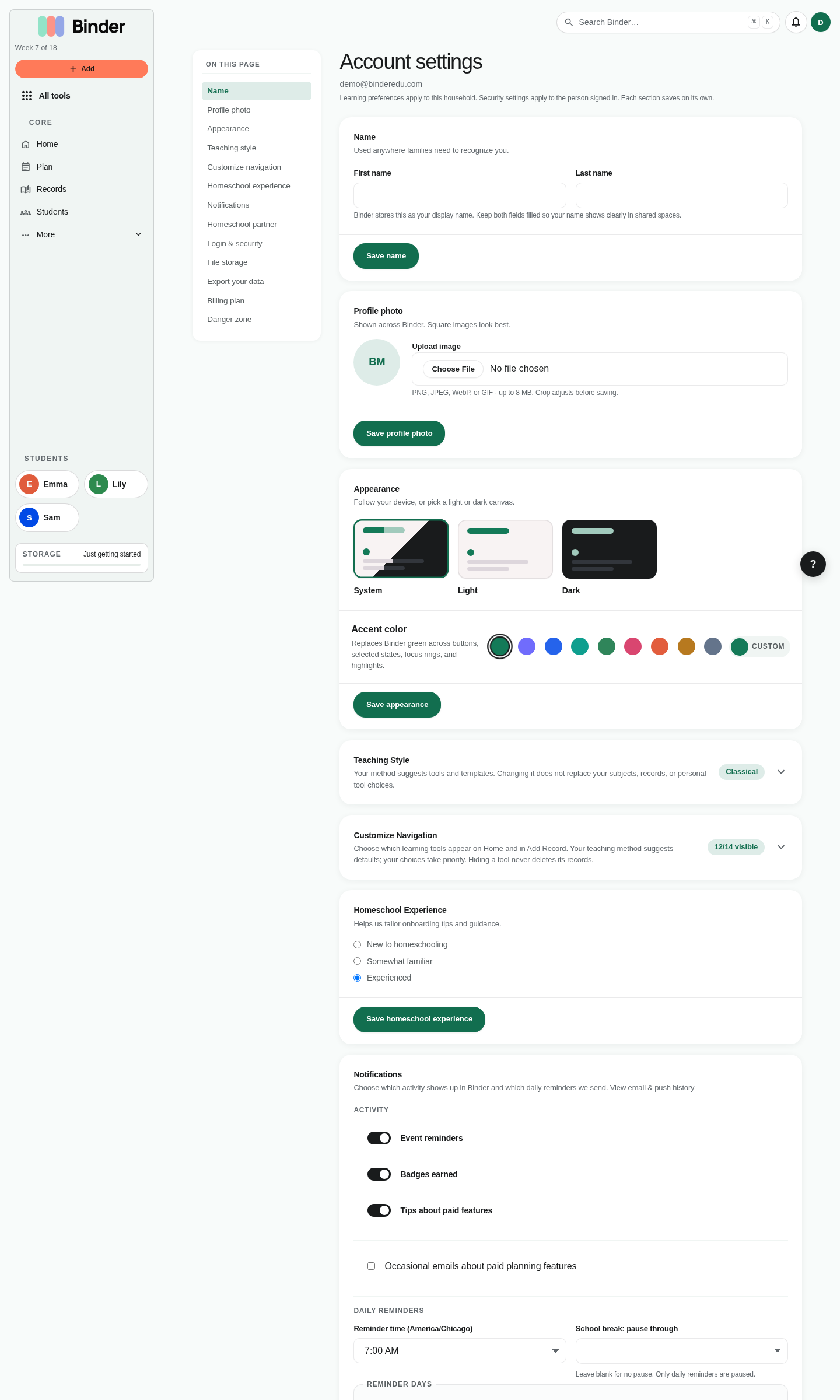
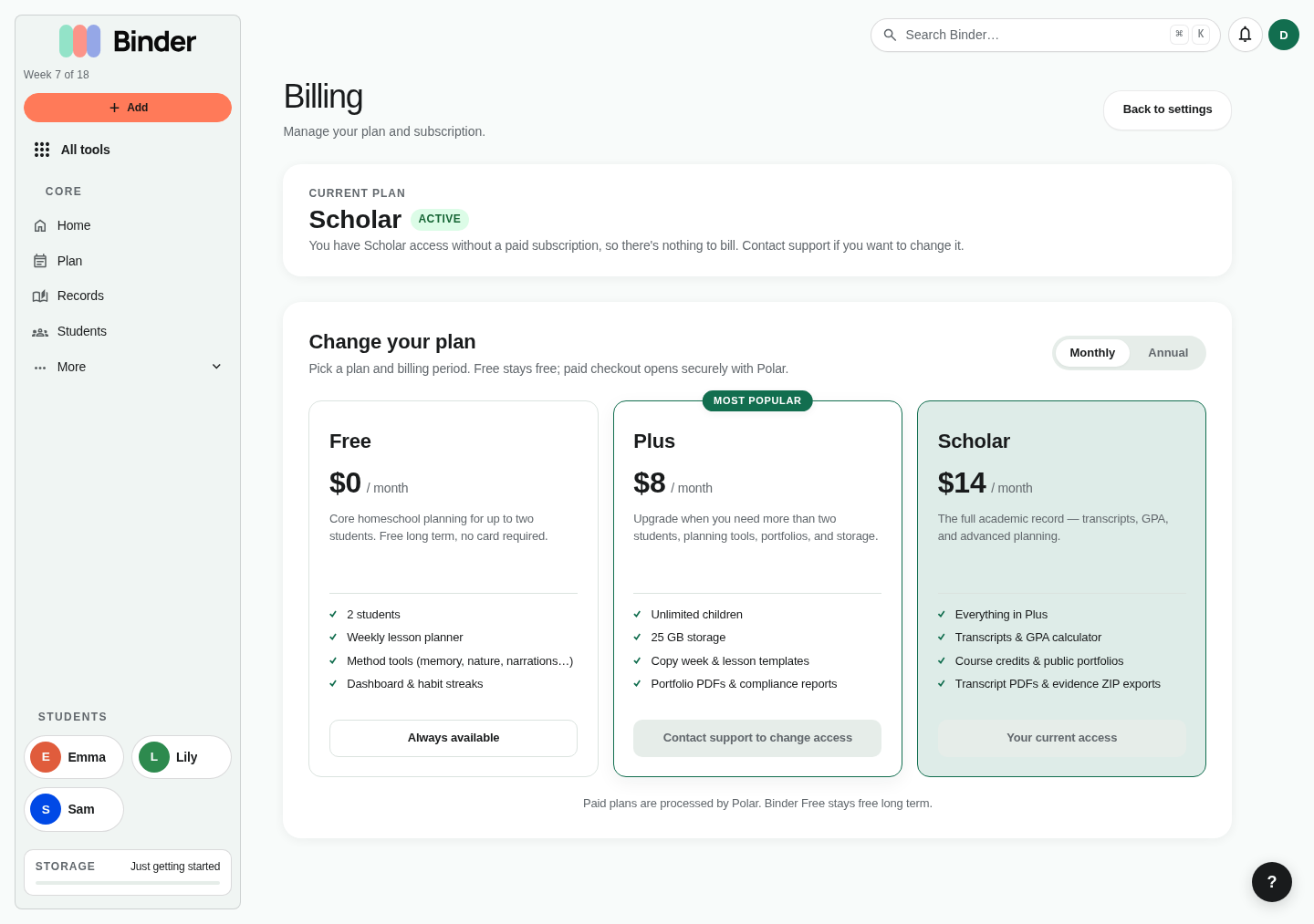
Account settings. Update profile details, homeschool preferences, theme, accent color, and other account-level configuration.Billing. Review the current plan, compare available plans, upgrade, or open the billing portal. Plan entitlements affect students, storage, transcripts, and exports.