Overview
What is Binder?
Binder is homeschool software that replaces the patchwork of spreadsheets, paper binders, and half-working apps. One account holds your plan, your day-to-day tools (narrations, habits, memory work, and more), your records (attendance, compliance, portfolios, transcripts), and your files.
Binder at a glance
The core product areas work together: plan the week, teach the day, save evidence, and review the record later.
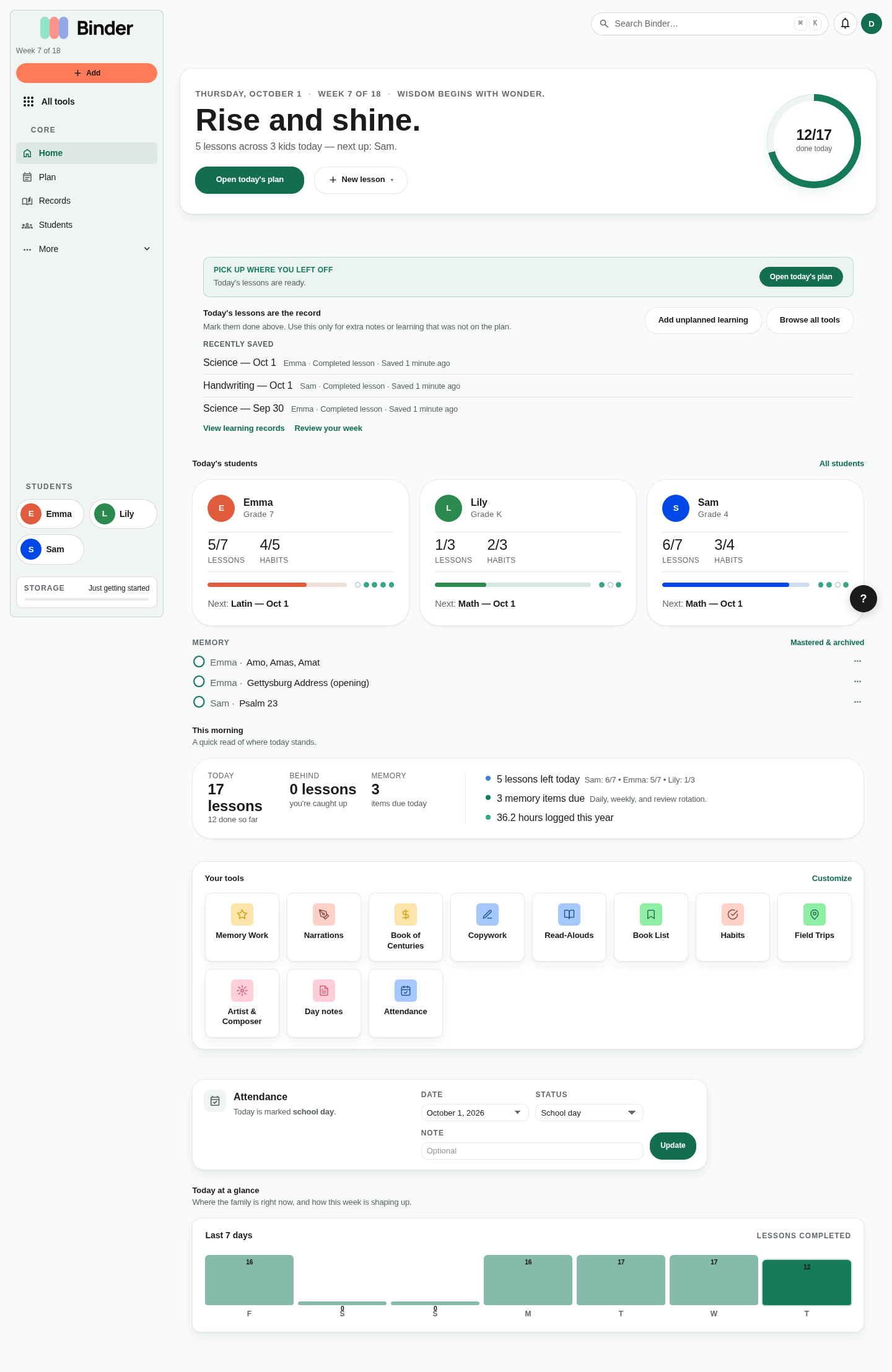
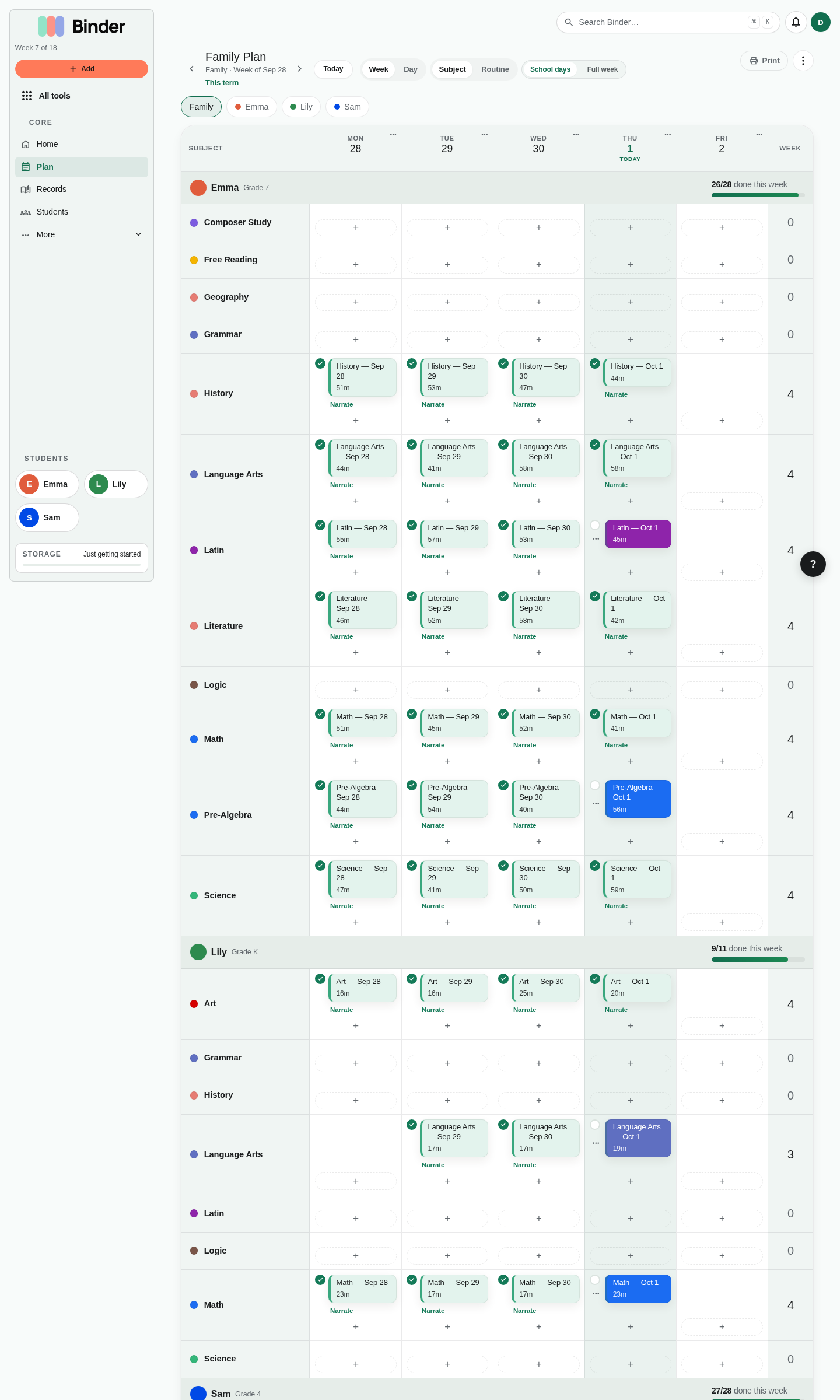
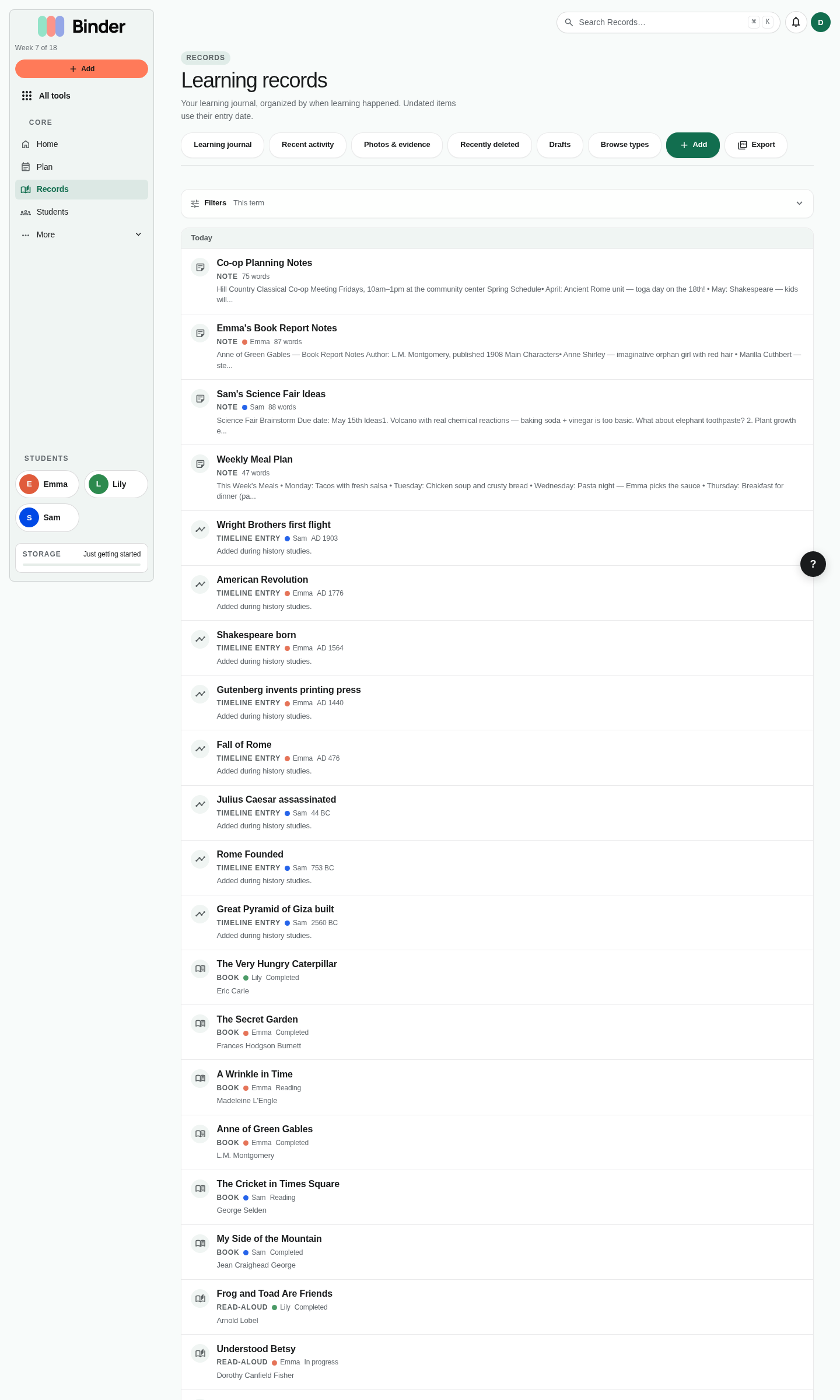
One place for the whole year
Most families juggle a planner app, a reading log, photos in a camera roll, attendance on a calendar, and compliance notes somewhere else. Binder brings those jobs into a single workspace so you are not retyping the same child names, dates, and subjects in five different tools.
- Plan — A week plan per child; co-op days and days off; a term view with curriculum lists placed in order; recurring templates; a weekly review that previews next week from this one (saving the copies is Plus).
- Teach & log — Narrations, read-alouds, copywork, nature journal, field trips, memory work with spaced repetition, Log learning with reading and narration, habits, and more.
- Prove & report — Attendance, US state compliance tracking, the portfolio feed, rich-text records and notes, portfolio PDFs with sample pages on every plan (full PDF on Plus), progress reports (Plus), high school transcripts (Scholar).
- Come back easily — Home remembers what you were doing: resume a draft, open today's plan, or record today with your last entry one click away.
- Keep files — Upload worksheets, photos, PDFs, and Office documents; preview Word, Excel, and PowerPoint files in the browser; turn a Word file into an editable note; version history, search, and share links when you need them.
Who Binder is for
Binder is built for homeschool parents and guardians teaching one child or many, in any US state, with any philosophy — Charlotte Mason, classical, Montessori, Waldorf, unschooling, eclectic, unit studies, traditional, or something you made up that week.
You might be brand new and want a gentle setup path, or a veteran who wants better records without more busywork.
Your method, your dashboard
During onboarding you pick a primary homeschool method. That choice tunes dashboard suggestions, language, and which tools surface first — for example, narrations and living books for Charlotte Mason, or memory work and timelines for classical approaches. You can change your method anytime in Account → Settings.
Method guides in this Help Center explain how common pedagogies map to Binder features, with practical workflows for each.
Plans at a glance
Every new account starts on the Free plan — no credit card required, and it stays free long term. When you are ready, you can move to Plus for unlimited children, next-week planning, full portfolio and compliance PDFs, partner sign-in, and 25 GB of storage. Scholar adds high school transcripts, public portfolio pages, evidence ZIP bundles, and 50 GB.
Full comparison tables, billing, partnerships, and exports are documented under Plans & billing.
Phones, tablets, and desktops
Binder runs in the browser on Mac, Windows, Chromebook, iPad, and phone. The same account syncs everywhere. On smaller screens you will see a bottom tab bar for core areas (Home, Plan, Records, Subjects, Students, and More). Binder is also available as native apps for iPhone and Android, signed in with the same email. On desktop, the left sidebar organizes the same ideas with more room for deep work.
Privacy and control
Your homeschool data belongs to your household.
Where to go next
If you have not signed up yet, start at binder.school. If you are already in Binder, follow Getting started for a short setup checklist, then App layout & navigation to learn where every major feature lives.